MELCloud integration, full-screen tablet mode, Tuya shutters

Hi everyone!
Another Gladys update with lots of new features 🥳
Integrations with Mitsubishi air conditioners
It's now possible to connect your Mitsubishi air conditioners (connected via MELCloud) to Gladys!
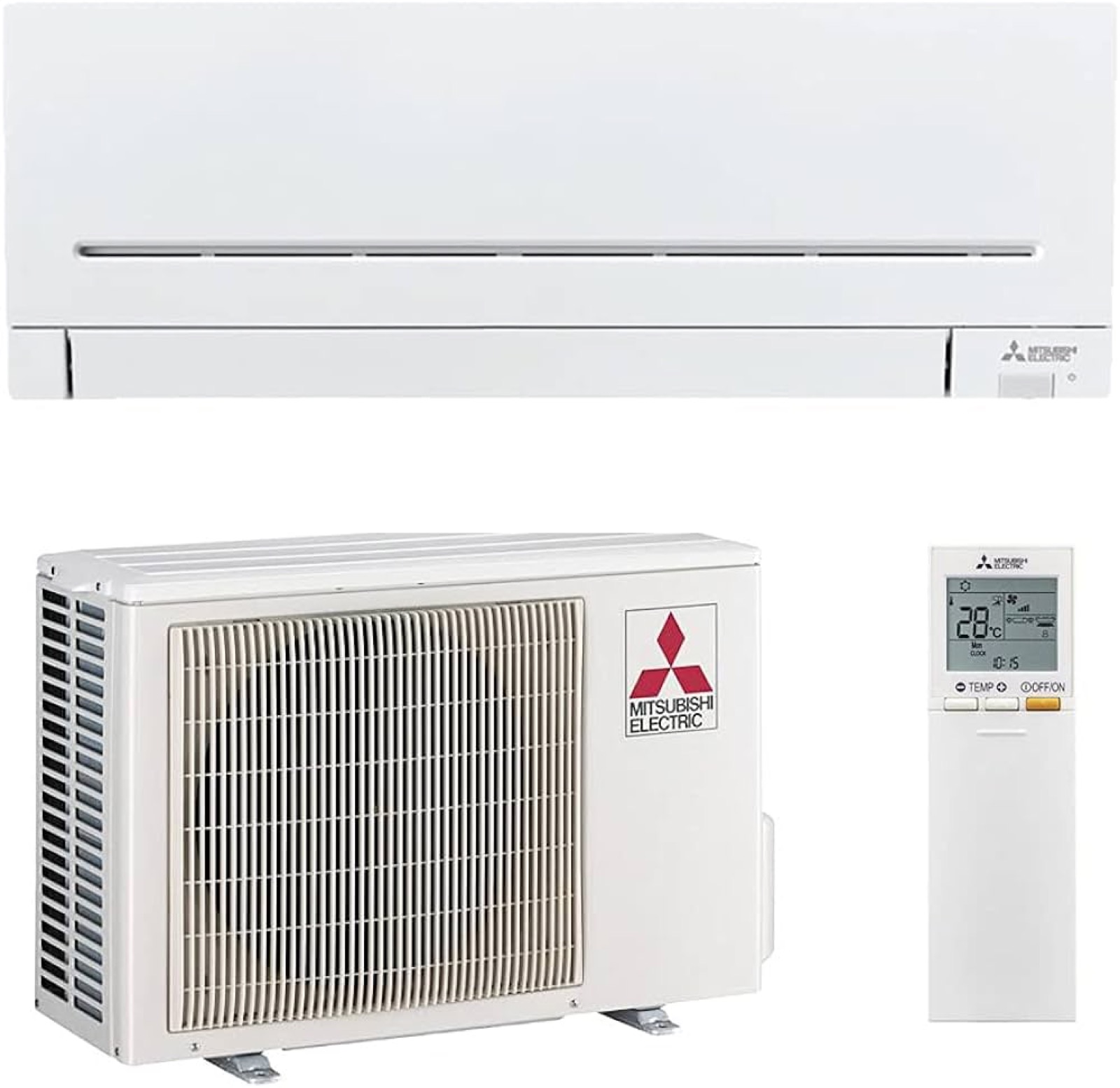
Thanks to @Lokkye for the development 🙌
Full screen mode for Gladys tablets
If you're using Gladys on a touchscreen tablet somewhere in your home, it's likely that you'll want to display the Gladys dashboard full-screen, without the option of navigating away from that screen.
This is now possible, thanks to a parameter to be added to the URL:
?fullscreen=force
To enable better use of "tablet on the wall" type devices, the duration of connection sessions has been increased to 1 year.
(Sessions can still be revoked in Gladys settings at any time).
Set room temperature/humidity widget limits
It's now possible to define at what limit the colors of the "Temperature/Humidity" widgets change.
A bedroom doesn't necessarily have the same limits as a bathroom, or a terrarium!
When editing a dashboard, you can now define customized thresholds:
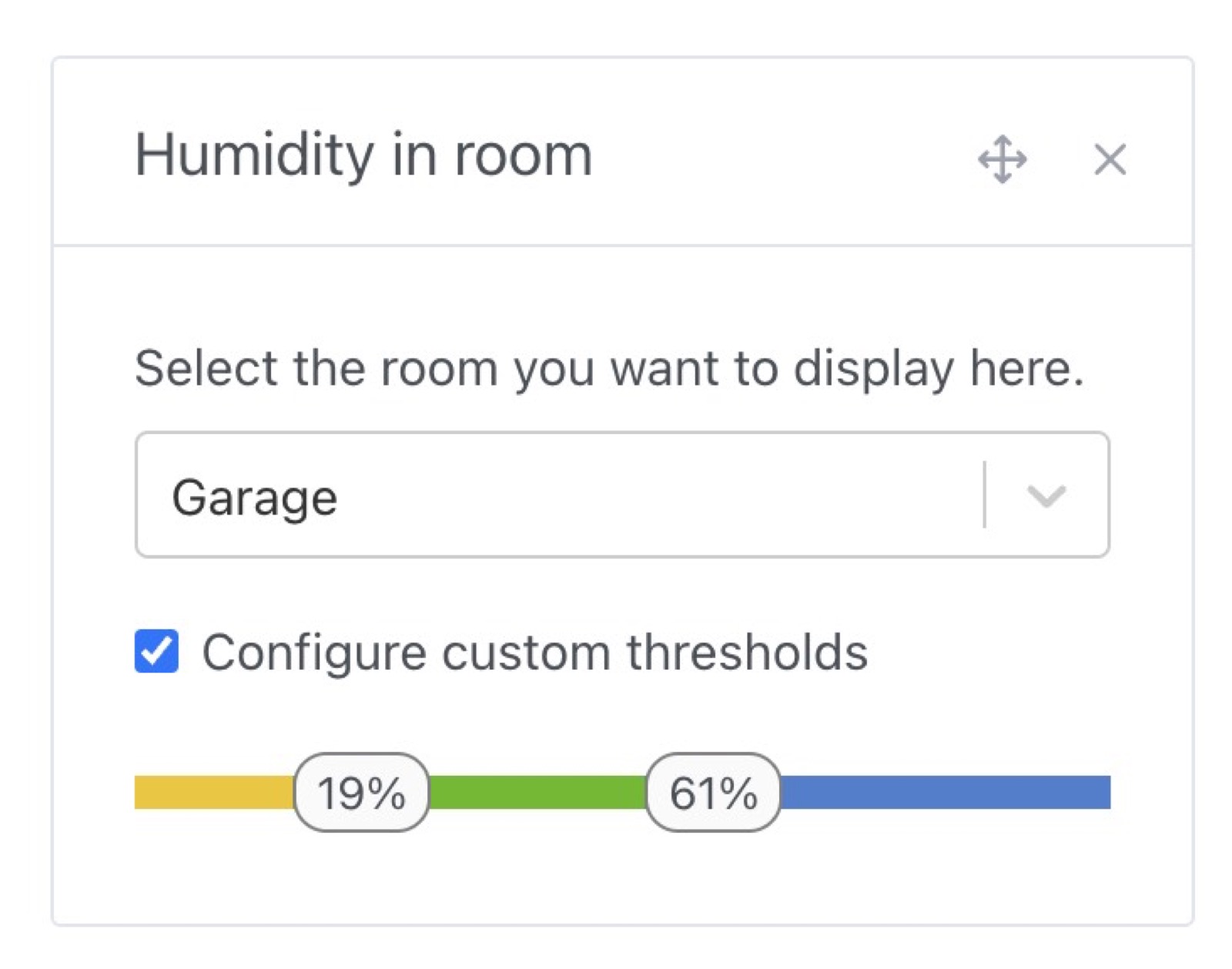
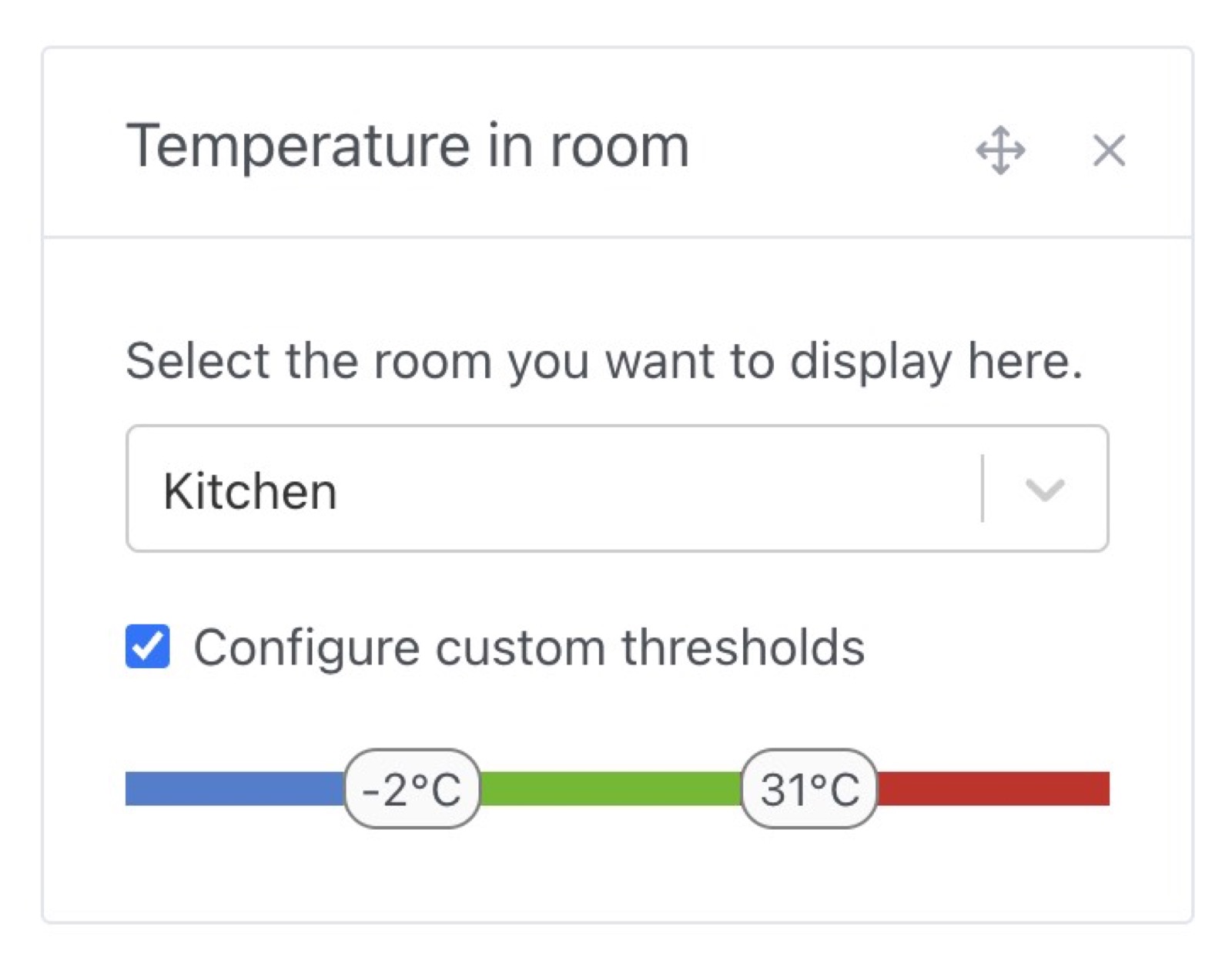
Thanks @Lokkye for this development 🙌
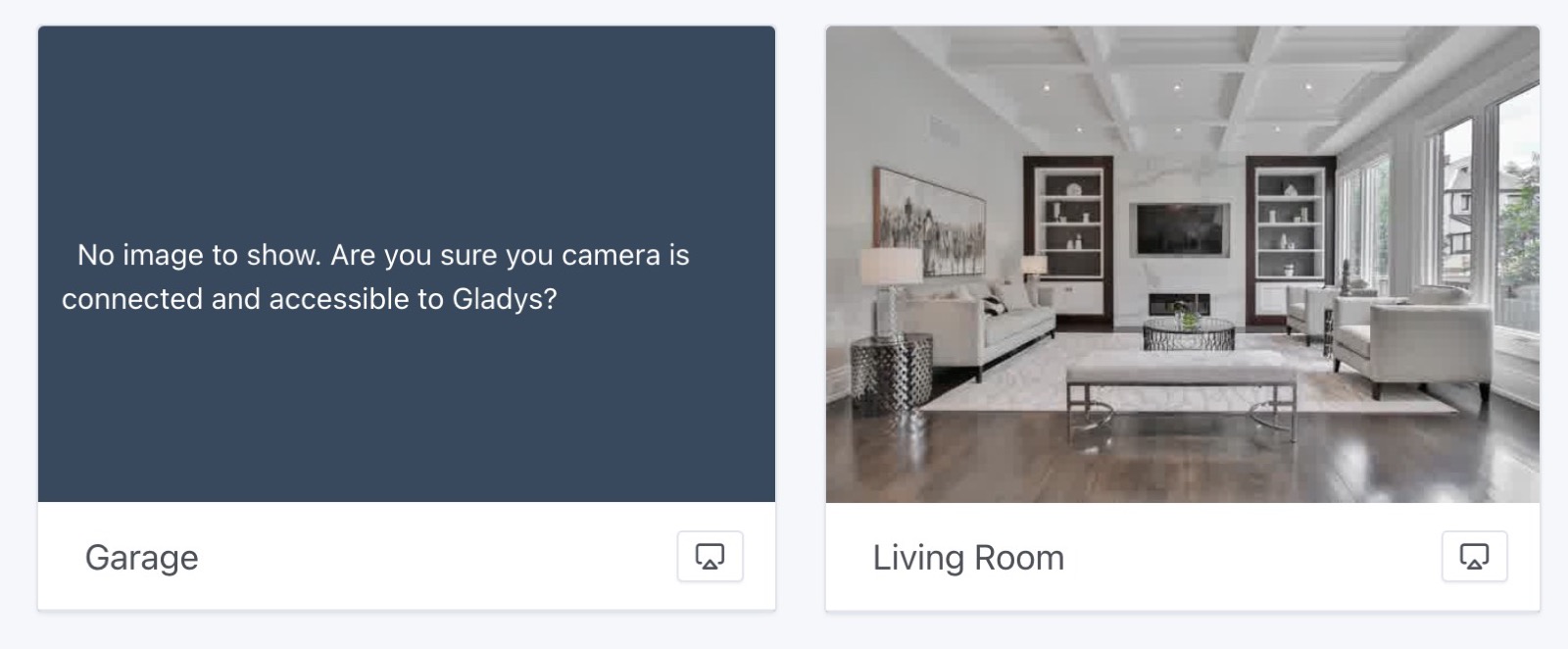
Camera images expire
From now on, expired camera images will no longer be displayed on the dashboard:
Tuya roller shutter management
The Tuya integration was released this summer, and a new type of device has just been added: roller shutters.
Thanks @Lokkye for this development 🙌
Lots of fixes
- In MQTT, NextCloud Talk and Tasmota integration, password fields will no longer be automatically filled in by browsers (to avoid auto-fill bugs) (#1881)
- On the dashboard, some devices no longer have value expiration dates (smoke detector, water leak detector, button, and text)
- Improved translations in OpenWeather integration (#1897)
- In scenes, in the "Control a device" action, binary devices are initialized to 0 by default instead of "empty value" (#1901)
- In MQTT integration, an error message is added when a device is created with the same external ID as an existing device (#1902)
- Better validation of "string" states (#1894)
Full CHANGELOG available here.
How to upgrade?
To update Gladys, we recommend using Watchtower: it upgrades your container automatically as soon as a new version is released. See the documentation.
Support us
If you want to support us, there are many ways:
- Answer posts on the forum, give your feedback.
- Help us improve the documentation.
- Develop new features/integrations on Gladys, we are 100% open-source.
- Subscribe to Gladys Plus