Powerful Features, Ready to Use
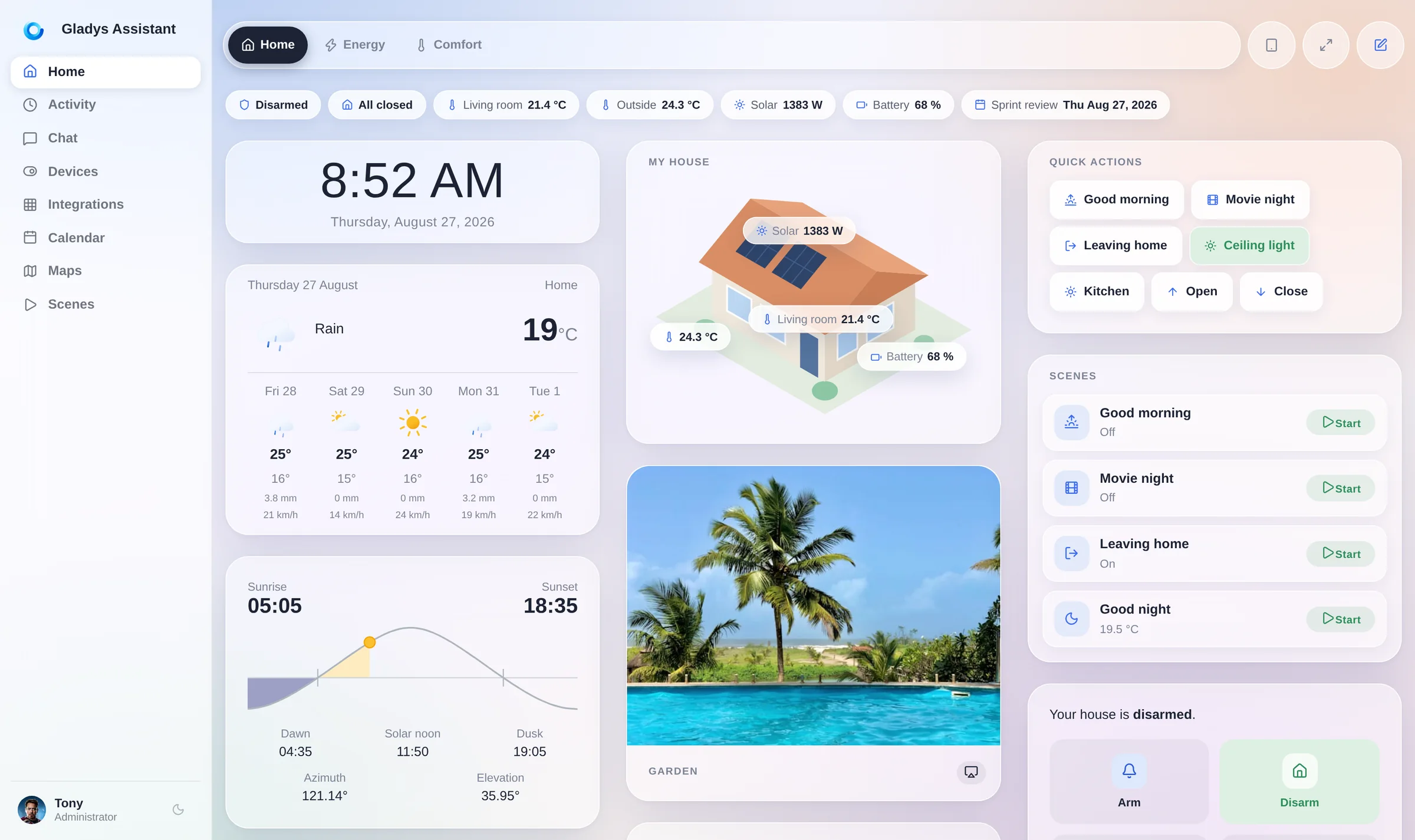
See Everything at a Glance
Temperature, security cameras, presence: monitor everything from one beautiful dashboard.
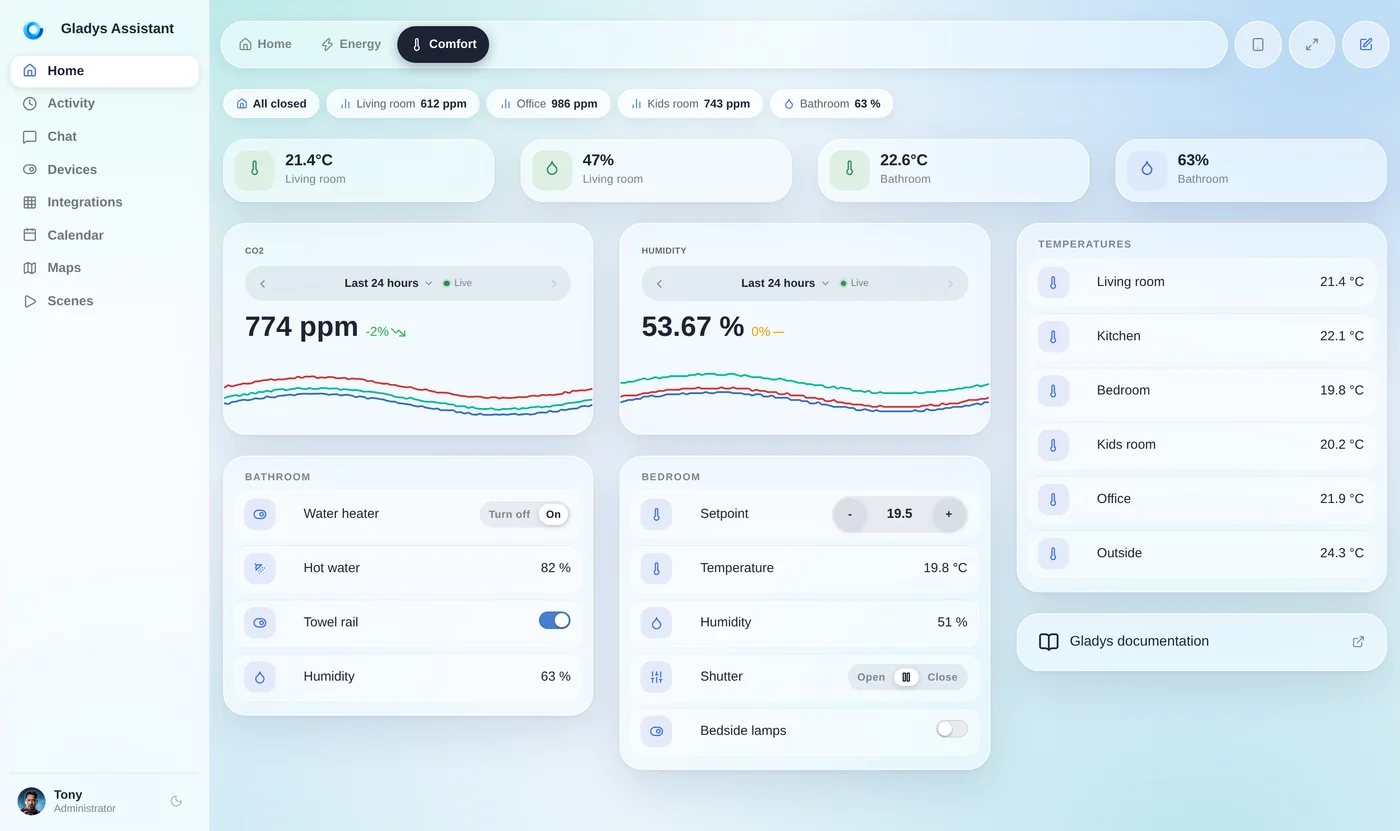
Automate Your Entire Day
Coffee brewing, lights turning on, music playing: all automatic. No coding required.
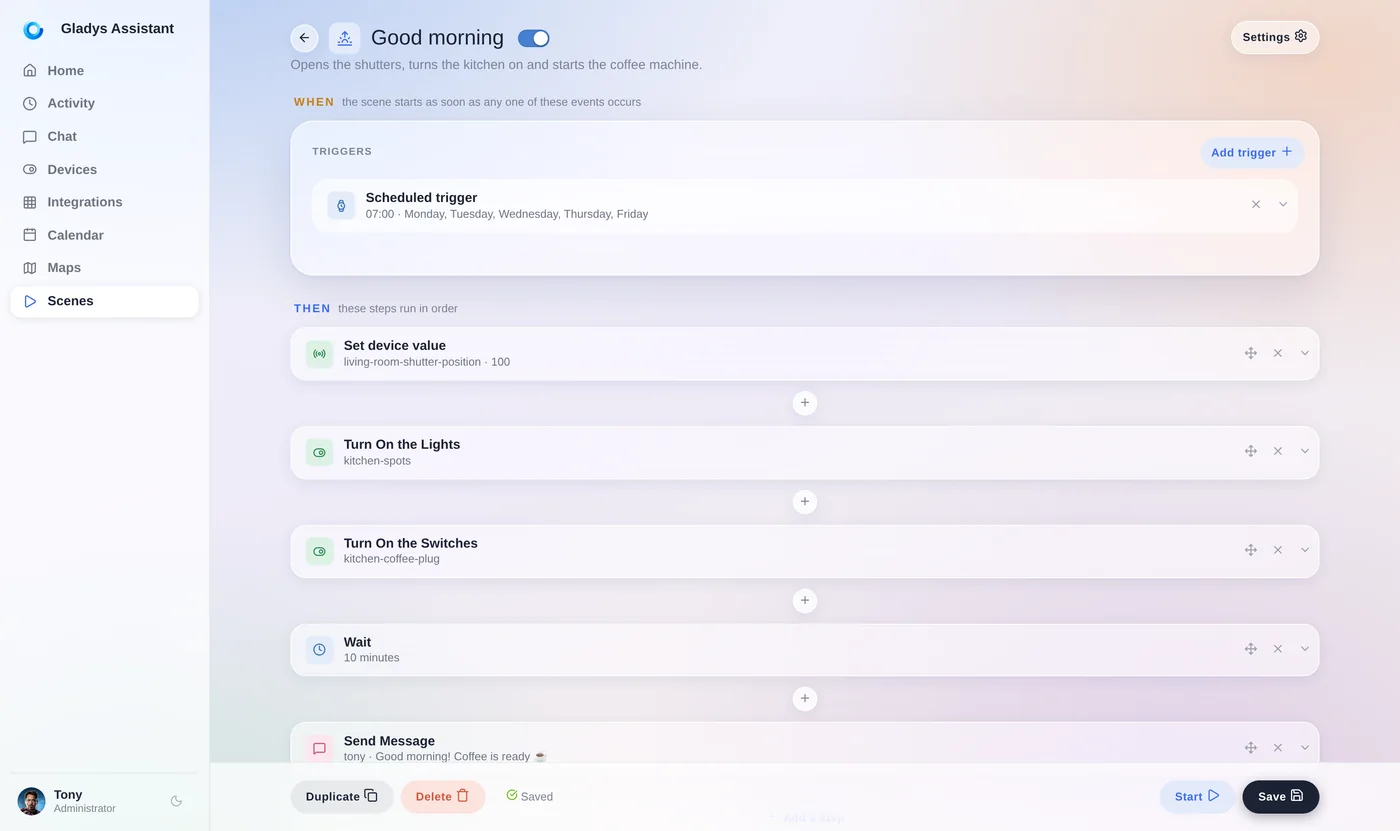
Know Exactly What Your Home Consumes
Electricity, solar production, home battery: follow your energy in real time and cut the bill where it matters.
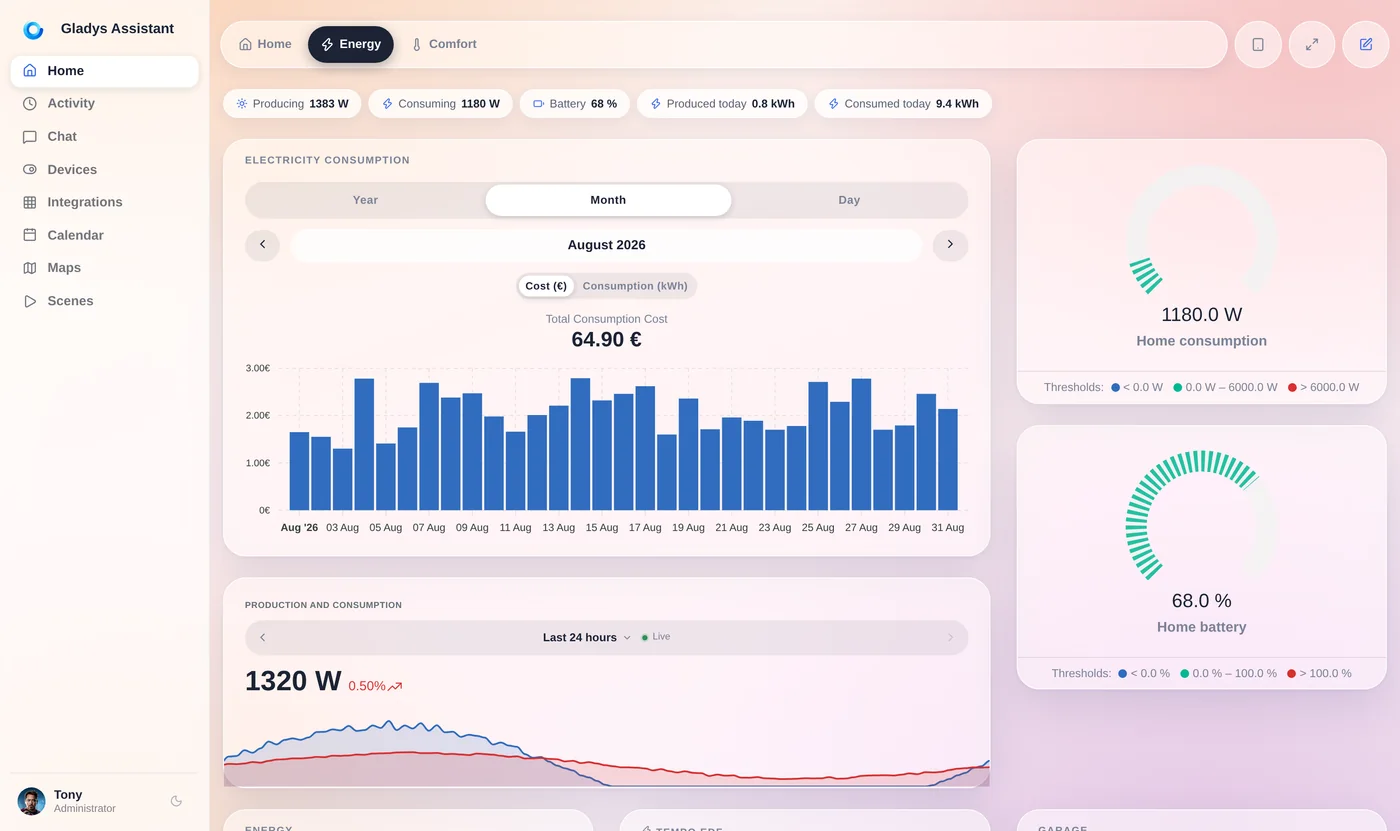
Control Your Home by Voice
"Turn on the light in the kitchen" - Gladys responds instantly via its built-in voice assistant or by message on your phone.
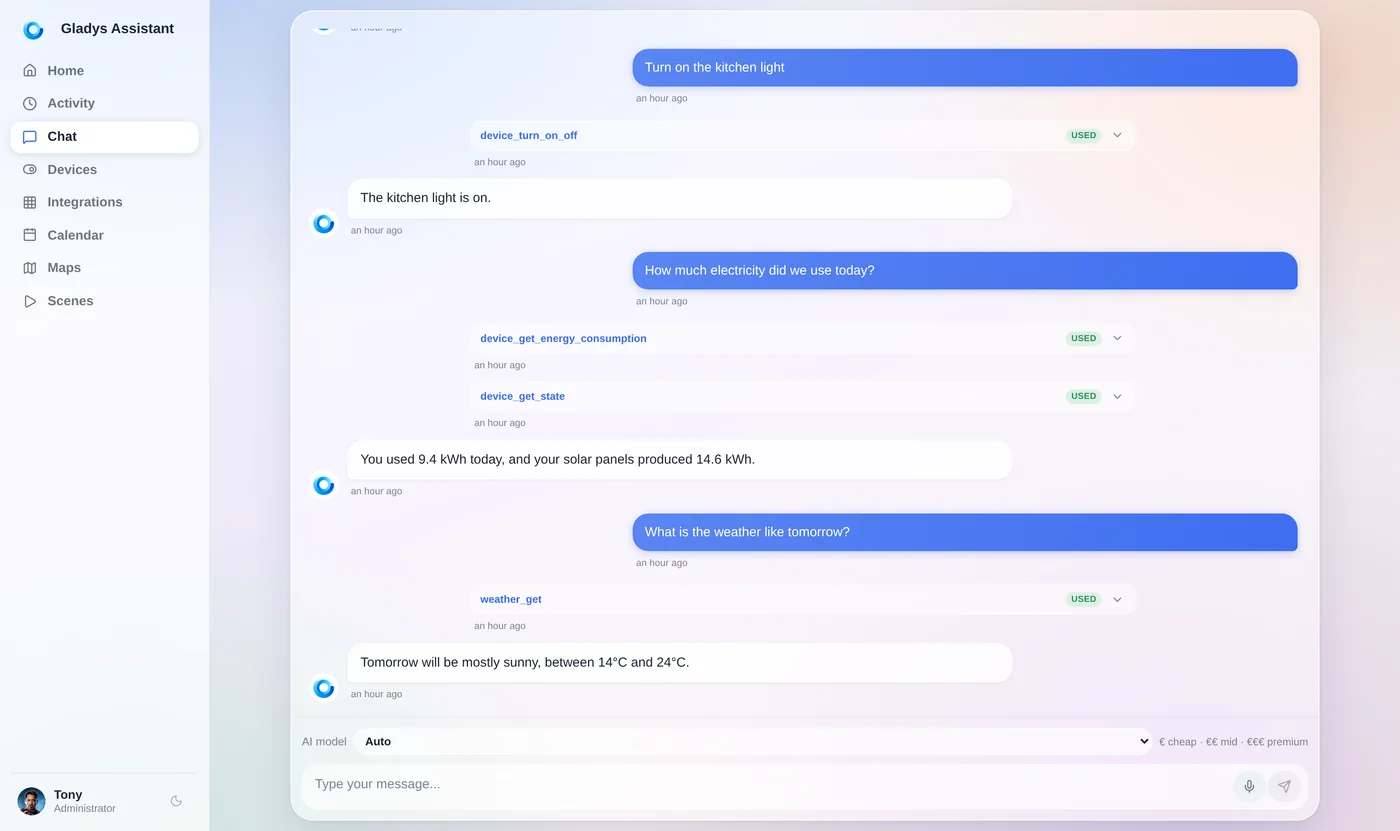
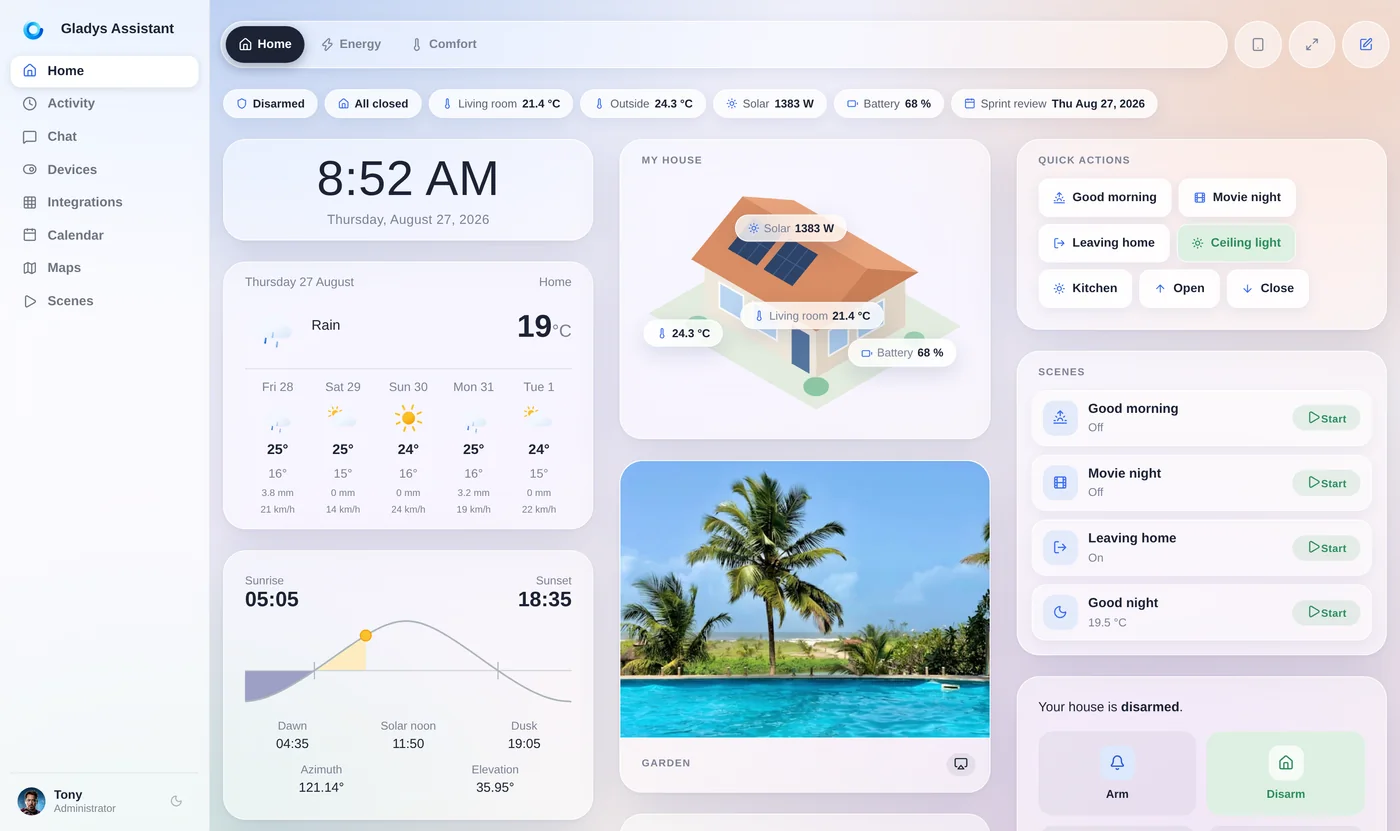
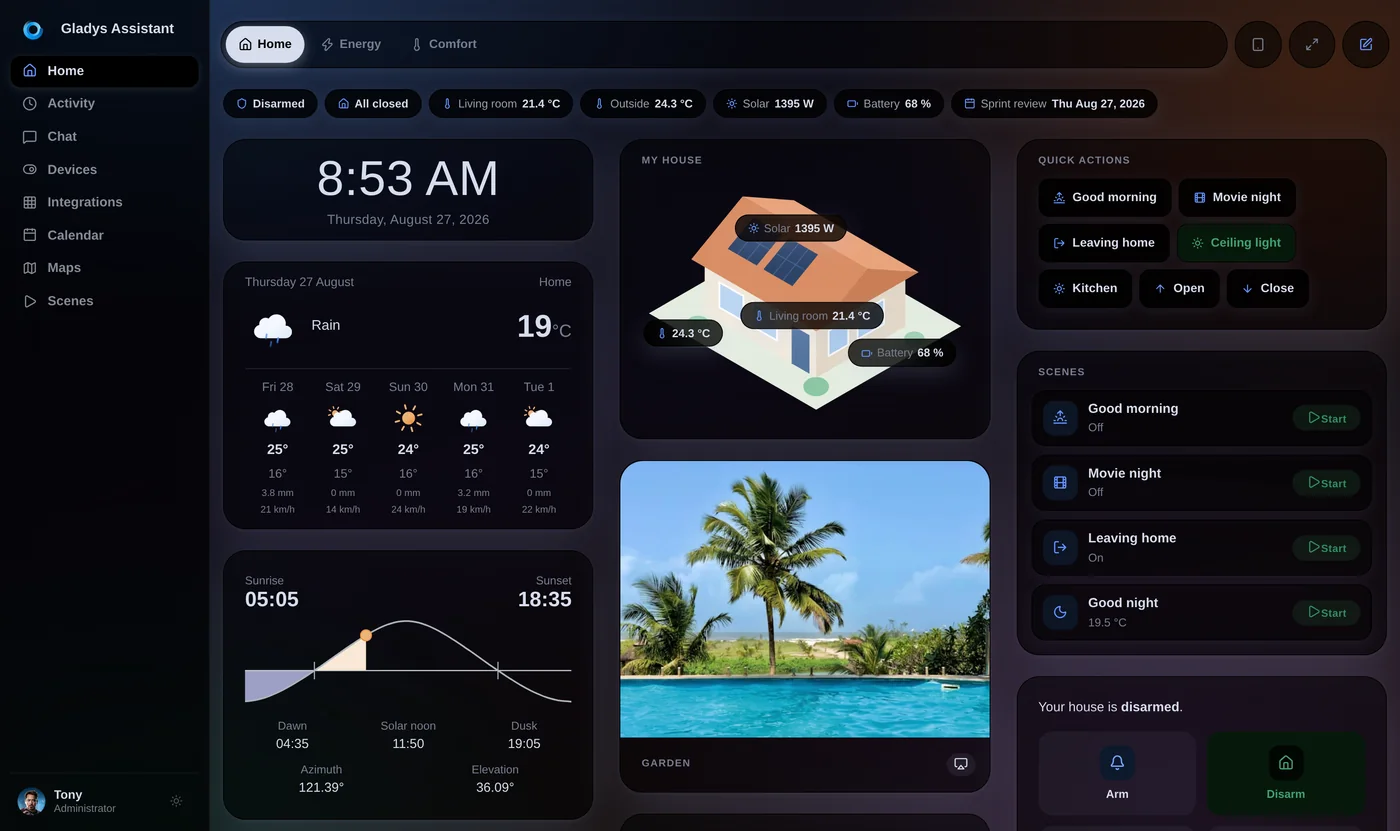
Light or dark, your call
The same glass, the same layout, two moods. Gladys follows your system or stays on the one you pick, and you can switch whenever you like, in one click.
Works With Everything You Own
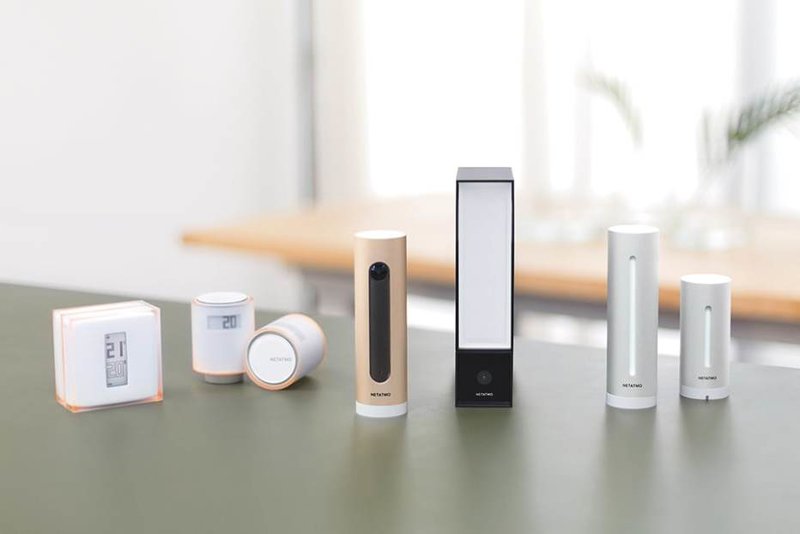
Open protocols, native integrations, and community external integrations for everything else.
Built Different: Privacy-First, User-Focused
Privacy
Gladys is self-hosted: your smart home data stays on your local machine. No mandatory cloud, no tracking.
Easy to use
No terminal for day-to-day use: a clear interface to control your home. Installation is guided via Docker.
Clean UI
Every pixel matters. We design first, then code.
Stable
Built to last decades. Your smart home will never let you down.
Fast
Lightning-fast interface, instant actions. We're obsessed with performance.
Auto upgrades
New features and bug fixes installed automatically. Zero hassle.
What Our Community Says





Frequently asked questions
Is Gladys really free?
Yes, 100% free and open-source! Gladys Assistant is free software you can install with a single Docker command. No subscription is required to use Gladys, no limitations, no credit card needed.
You can install it on any Linux machine: mini-PC, Synology NAS, Raspberry Pi, server, or even an old computer. If Docker runs on it, Gladys runs on it! 🚀
Is it hard to install?
It takes some technical steps, but we guide you through them. You first need a Linux machine (Ubuntu Server, for example), then you run Gladys via Docker. Our documentation walks you through each step with screenshots and videos.
Is my data really private?
Yes, by design. Gladys runs at home, on your machine. Your smart home data (sensors, scenes, history) stays on your local network.
No mandatory cloud, no tracking, no data selling. Optional services like Gladys Plus exist (remote access, AI…), but the core of Gladys remains self-hosted. 🔒
Does Gladys work with my devices?
Very likely! Gladys supports thousands of devices through open protocols like Zigbee, Z-Wave, Matter, and MQTT, plus integrations for popular brands: Philips Hue, SmartThings, TP-Link Kasa and Tapo, Shelly, Sonos, Reolink cameras, LG ThinQ, and many more.
Device not listed yet? Have a look at external integrations : community-built integrations you can install in one click, and the list keeps growing. If yours is missing, build it yourself in the language of your choice, or ask on the forum.
How much does Gladys Plus cost?
Gladys itself is free, forever. Gladys Plus is an optional subscription that adds encrypted remote access, Google Home and Alexa, backups, and AI. It starts at $7.99/month in the US and Canada (€6.99/month in Europe), with a 1-month free trial, no credit card required, and you can cancel anytime.
Can I access Gladys from outside my home?
Yes, in several ways:
Option 1 (recommended): Gladys Plus, our optional service that gives you secure (end-to-end encrypted) access from anywhere. Works as an app on iOS and Android.
Option 2 (for experts): Set up your own VPN or reverse proxy. Gladys stays 100% free, but this requires technical skills.
Ready to Take Control of Your Smart Home?
Join the open-source smart home revolution