Shelly without the cloud
Shelly devices already have a great local API. Gladys Assistant uses it: control your relays and plugs and read your energy meters in real time, without the Shelly Cloud.
Shelly makes some of the most popular Wi-Fi relays, plugs and energy meters, the kind you hide behind a wall switch or in the electrical panel. Unlike many Wi-Fi devices, they expose a documented local API, so they don't need a cloud to work.
Gladys Assistant, a free and open-source smart home platform, has a Shelly integration that talks directly to your devices on your network. Gen2 and newer devices push their changes in real time, so a relay flipped on the wall shows up in Gladys in about a second. A fully local setup works with an empty configuration form.
Why keep Shelly devices local
The Shelly app and cloud are convenient, but:
- Remote control and cloud automations depend on the internet and Shelly's servers.
- Energy data from your meters is most useful next to the rest of your home, not in a separate app.
- Scenes that mix Shelly relays with Zigbee sensors or Matter devices need a platform that speaks all of them.
- Local control is faster and keeps working when the internet doesn't.
Shelly designed its devices for local use. Gladys simply takes advantage of it.
What the Gladys Shelly integration supports
Today, the integration covers relays, plugs and meters:
On/off control with power, voltage, current and total energy for metering models like the Pro 1PM.
Three-phase meters like the Pro 3EM, per phase and in total, plus standalone meters like the PM Mini.
Gen2 and newer devices push their changes locally; Gen1 devices are polled, or real time over MQTT.
Gen1, Plus, Pro, Mini, Gen3 and Gen4 devices are normalized into the same features in Gladys.
MQTT for large fleets, and the Shelly Cloud as a last resort if a device can't be reached locally. Both are optional.
Feed your meters into Gladys' energy monitoring to track consumption and cost over time.
How to set it up
Gladys 4.83 or newer, Shelly devices already on your Wi-Fi:
- In Gladys, open Integrations and install the Shelly integration from the catalog.
- Leave the configuration empty for a fully local setup, or add your MQTT broker if you have many devices.
- Open the Discovery tab and click Scan: your Shelly devices appear with their features.
- Add them to rooms and to your dashboard, then use them in scenes.
- Give your Shelly devices a DHCP reservation on your router so their IP address stays stable.
Not supported yet: roller shutter mode, dimmers and inputs. Check the integration's roadmap if you need them.
Local devices, one place for everything
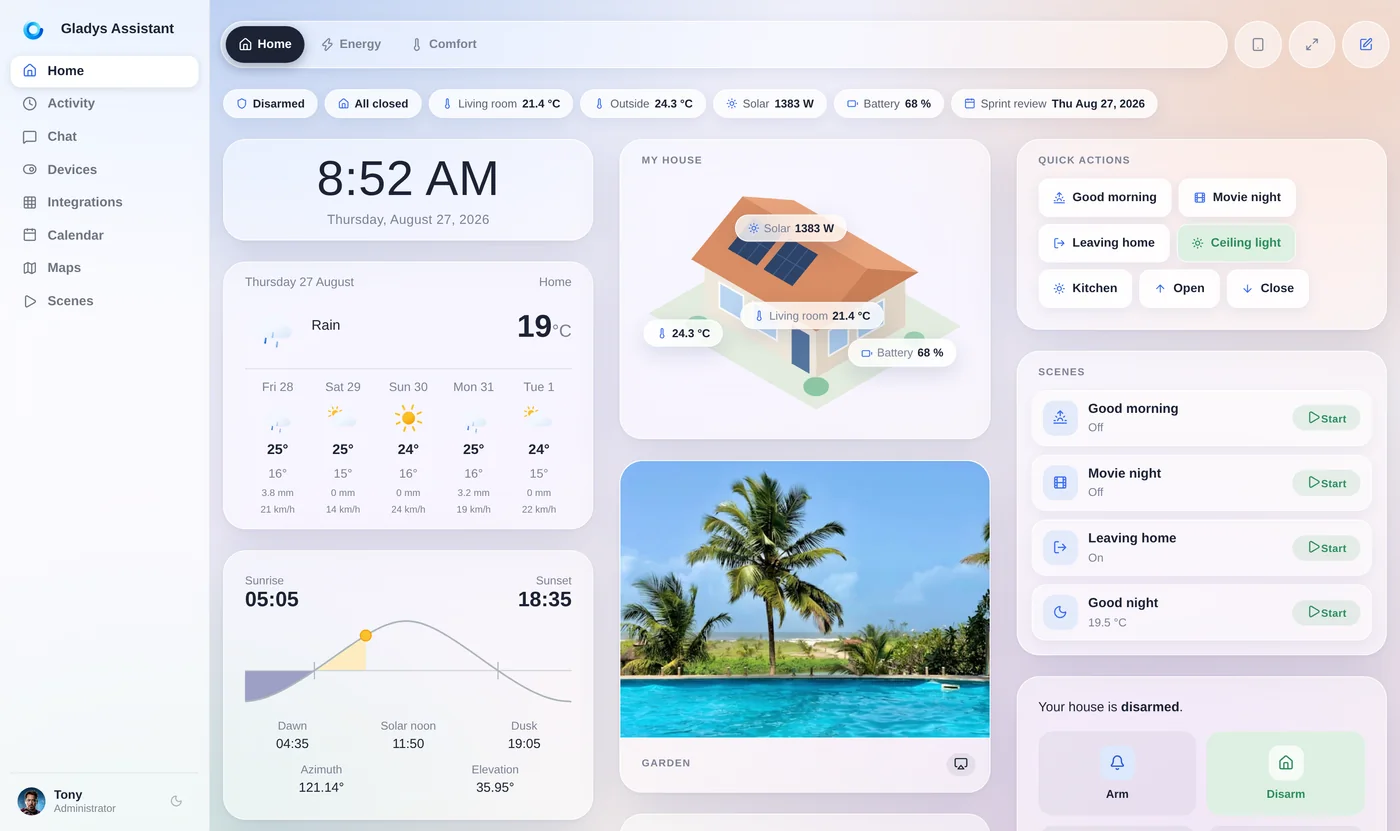
With Gladys, your Shelly relays sit next to your Zigbee sensors, Matter devices and cameras: a motion sensor can switch a Shelly relay, and a meter reading can trigger a notification, all locally.
Gladys is free and open source, has been developed since 2013, and runs entirely on your own hardware.
Go further
More local control guides:
Frequently asked questions
Can Shelly devices work without the cloud?
Yes. Shelly devices expose a local API, and the Gladys Shelly integration uses it directly on your network. A fully local setup works with an empty configuration; MQTT and the Shelly Cloud are optional fallbacks.
Which Shelly devices does Gladys support?
Relays and plugs (with power metering when the device has it), three-phase energy meters like the Pro 3EM, the PM Mini, temperature and battery readings, across Gen1, Plus, Pro, Mini, Gen3 and Gen4 devices. Roller shutter mode, dimmers and inputs are not supported yet.
Are Shelly updates real time in Gladys?
For Gen2 and newer devices, yes: they push their changes locally, about a second after a relay is flipped. Gen1 devices are polled at the refresh interval locally, or in real time over MQTT.
Do I need MQTT for Shelly?
No, but it's recommended for large fleets or devices on another VLAN. Without MQTT, Gladys discovers and controls devices directly on your local network.
Run your Shelly devices locally
Gladys is free, open source and installs with a single Docker command. Install the Shelly integration and scan your network.