The best mini-PC for home automation
A small, quiet, always-on computer is the best home for your smart home software. Here's what to buy, and what you actually need.
Self-hosted smart home platforms, Gladys Assistant, Home Assistant or openHAB, all run on a small computer that stays on 24/7. For years the default was a Raspberry Pi. Today, small Intel mini-PCs are usually the better buy: faster, with real SSD storage and Ethernet, often for a similar total price.
This guide explains what matters, which models to look at, and when a Raspberry Pi or a used office mini-PC is still the right call.
What actually matters
For a home automation server, ignore gaming specs. Look at:
- CPU: a recent low-power Intel chip (N100, N150 or similar) is more than enough for Gladys, Zigbee2MQTT and a few cameras.
- RAM: 8 GB is comfortable, 16 GB gives headroom for other self-hosted apps.
- Storage: an SSD (256 GB or more), not an SD card. SD cards wear out with a database writing all day.
- Ethernet: a wired connection is more reliable than Wi-Fi for a server.
- Power draw: it runs 24/7, so a low idle consumption matters more than peak performance.
- USB ports: for your Zigbee or Z-Wave dongle, ideally on a short USB 2.0 extension cable.
Any recent entry-level mini-PC ticks every box. The rest is budget and taste.
Mini-PC vs Raspberry Pi 5
The two most common choices, side by side:
| Intel N100/N150 mini-PC | Raspberry Pi 5 | |
|---|---|---|
| Ready to use | Case, power supply and SSD included | Add a case, power supply and storage |
| Storage | Internal SSD | SD card by default; an NVMe SSD needs an extra board |
| Performance | Higher, x86 | Good, ARM |
| Power draw | Low | Very low |
| Software compatibility | Any x86 Docker image | ARM64 images only (Gladys supports both) |
| Best for | A main home server that will grow | A small, frugal setup, or reusing a Pi you already own |
Once you add a case, power supply and SSD to a Raspberry Pi 5, the total price is often close to an entry-level mini-PC that comes complete.
What we recommend
The machines we use and see working well with Gladys:
What we recommend in the install guide: quiet, efficient, and fast enough to run Gladys and more for years.
Slightly older chips, often cheaper, still more than enough for a smart home.
Lenovo ThinkCentre Tiny, Dell OptiPlex Micro or HP EliteDesk Mini: robust, cheap second-hand, a bit less frugal.
Still a good option for a small setup, ideally with an SSD rather than an SD card.
Already have a Synology or Unraid server running Docker? Gladys runs there too.
An old laptop with a working battery makes a decent server: it even has a built-in UPS.
From box to smart home
Once you have the machine:
- Plug it into your router with an Ethernet cable.
- Install Ubuntu Server, with the OpenSSH server option checked.
- Install Docker and start Gladys with a single command.
- Plug in your Zigbee dongle on a short USB 2.0 extension cable, and enable Zigbee2MQTT in Gladys.
- Open Gladys from your phone or computer and add your devices.
The step-by-step installation guide covers each step, with a video.
Small hardware, big smart home
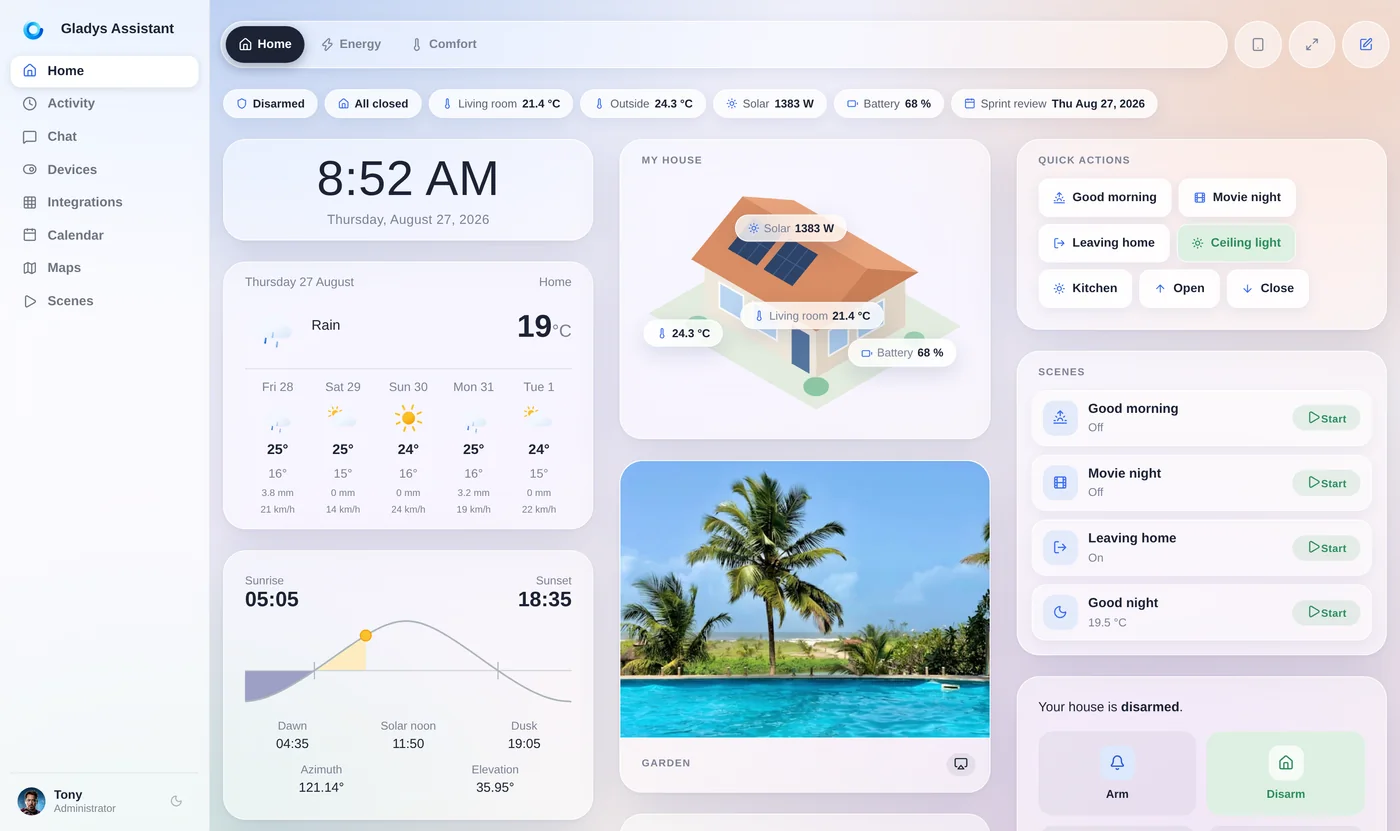
A mini-PC that costs about as much as a smart speaker can run your whole home locally: dashboards, automations, history, cameras, energy monitoring, and AI if you want it. It sips power, makes no noise, and doesn't depend on any cloud.
Gladys is free and open source, and runs on any of these machines with Docker.
Go further
Complete your setup:
Frequently asked questions
Raspberry Pi 5 or mini-PC for home automation in 2026?
For most people, a mini-PC. Memory costs pushed Raspberry Pi 5 prices up several times: since April 2026 the 8 GB model lists at $175, before a case, power supply and SSD. An Intel N150 mini-PC with 16 GB of RAM and a 500 GB SSD sells for about $190 to $200, complete. A Pi you already own is still perfectly fine.
How much power does a home automation mini-PC use?
An Intel N100 or N150 mini-PC running Linux typically idles around 6 to 10 W, or roughly 50 to 90 kWh a year. Used office mini-PCs with older Core i5 chips usually idle around 15 to 25 W. A Home Assistant Green-style ARM box idles below 2 W.
How much RAM and storage do I need?
8 GB of RAM and a 256 GB SSD are plenty for Gladys, Zigbee2MQTT and a few cameras. 16 GB and 500 GB give room for other self-hosted apps. Avoid SD cards for a server that writes to a database all day.
Which mini-PC do you recommend for Gladys?
We recommend the Beelink Mini S13 (Intel N150) in our installation guide. Any recent Intel N100 or N150 mini-PC with 8 to 16 GB of RAM, an SSD and Ethernet works just as well.
Is a used office mini-PC a good idea?
Yes, if you find one at a good price: Lenovo ThinkCentre Tiny, Dell OptiPlex Micro and HP EliteDesk Mini are robust and powerful. They draw more power at idle than a new N100/N150 machine, which adds up over years of 24/7 use.
Turn a mini-PC into your smart home hub
Gladys is free, open source and installs with a single Docker command on any of these machines.