Integration of your Nuki smart lock with Gladys
This integration adds the ability to:
- control Nuki brand smart locks: lock, unlock
- send certain information to Gladys (battery level, lock status)
Go to Integrations / Nuki in Gladys
There are two types of integration available. It is recommended to choose only one of the two.
NukiWeb API token
Prerequisite: Gladys must have internet access at all times
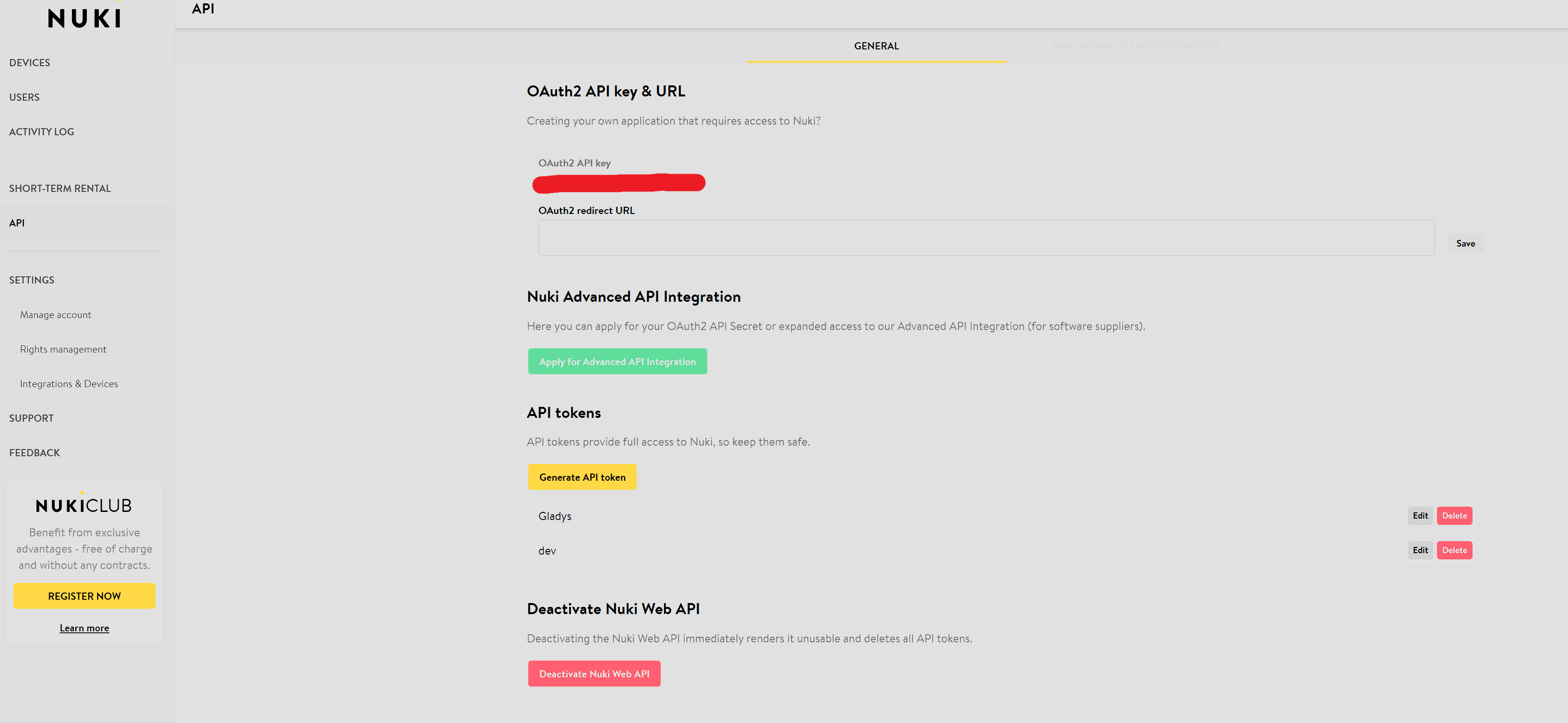
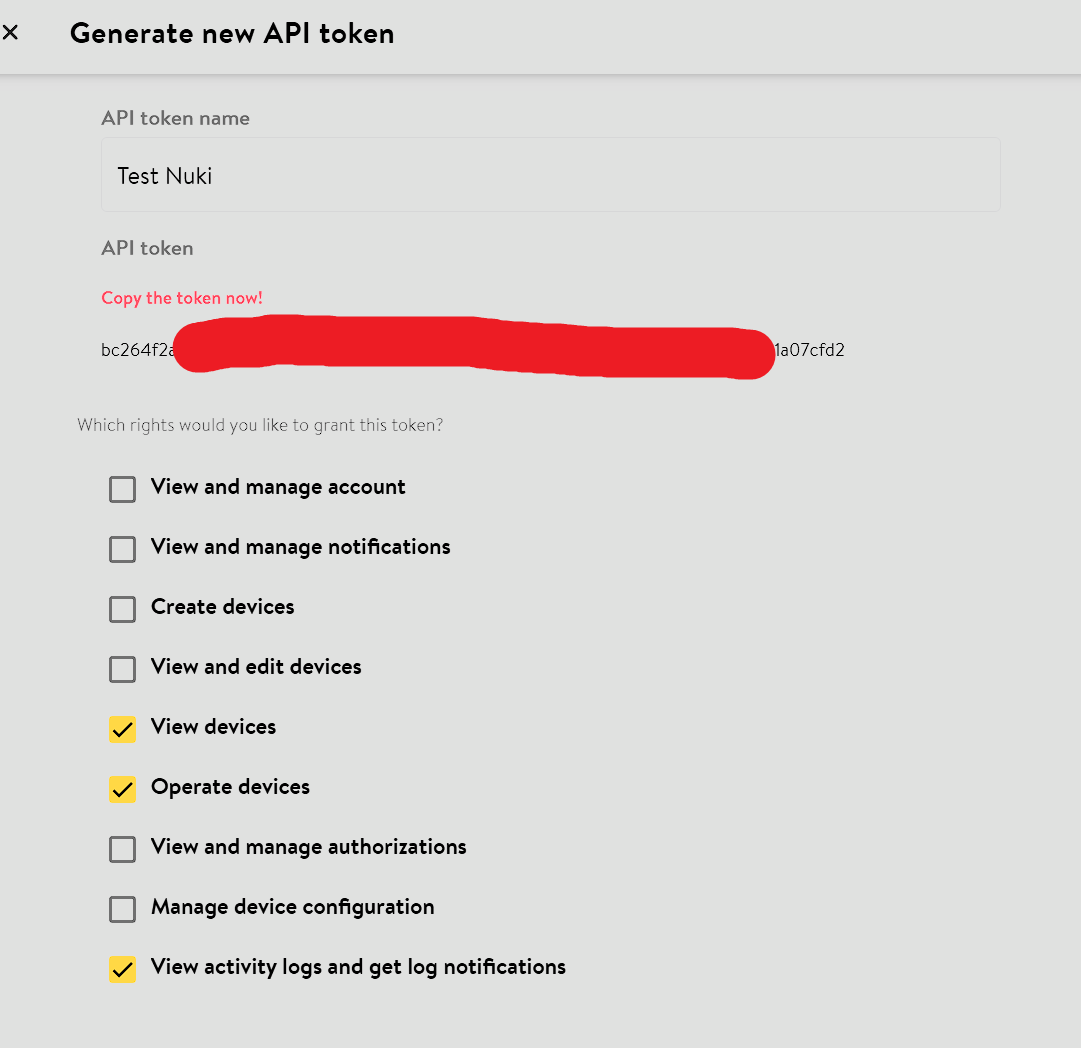
- Activate and configure your Nuki Web account Nuki Web Configuration
-
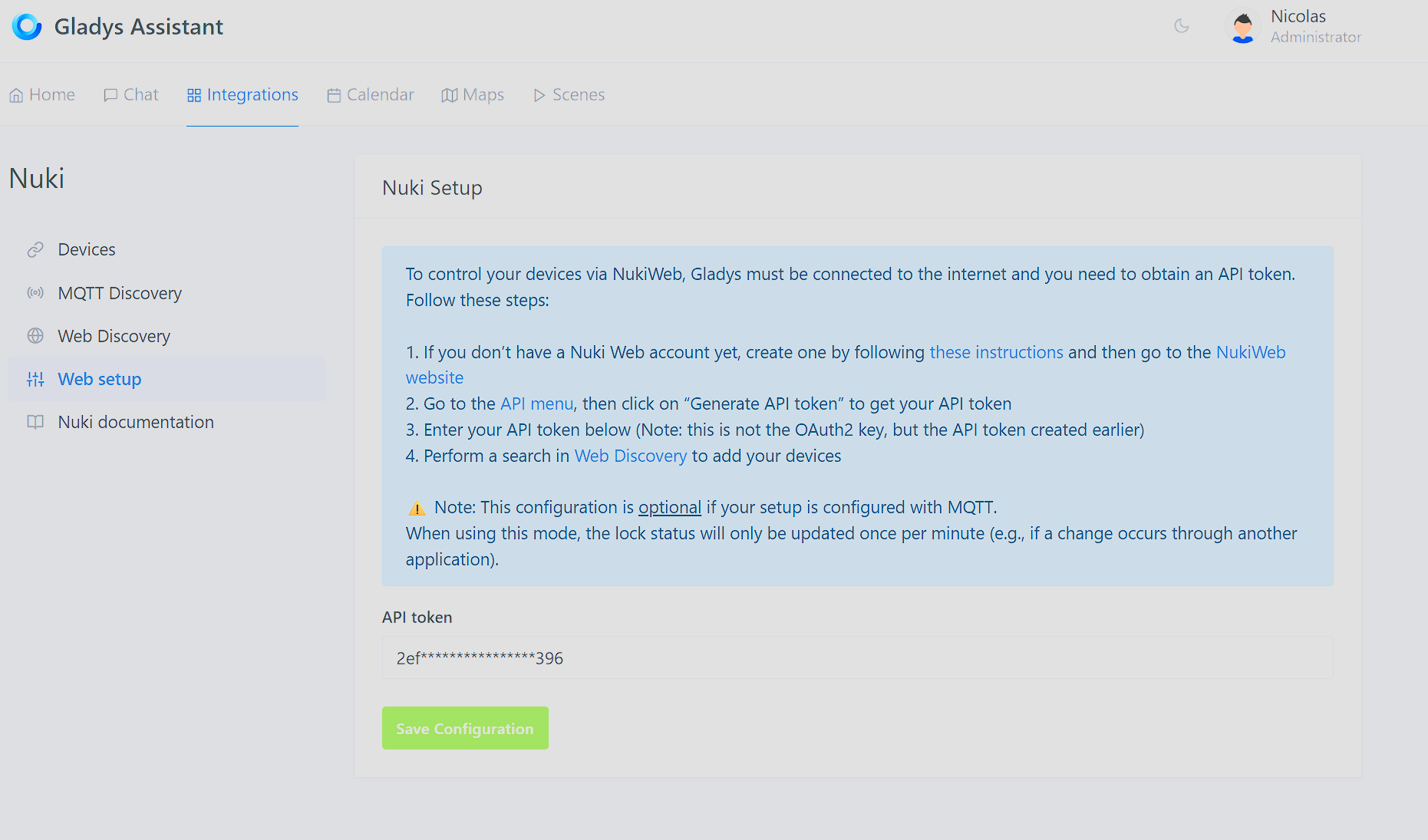
Configure the Nuki service in Gladys by adding the API token
-
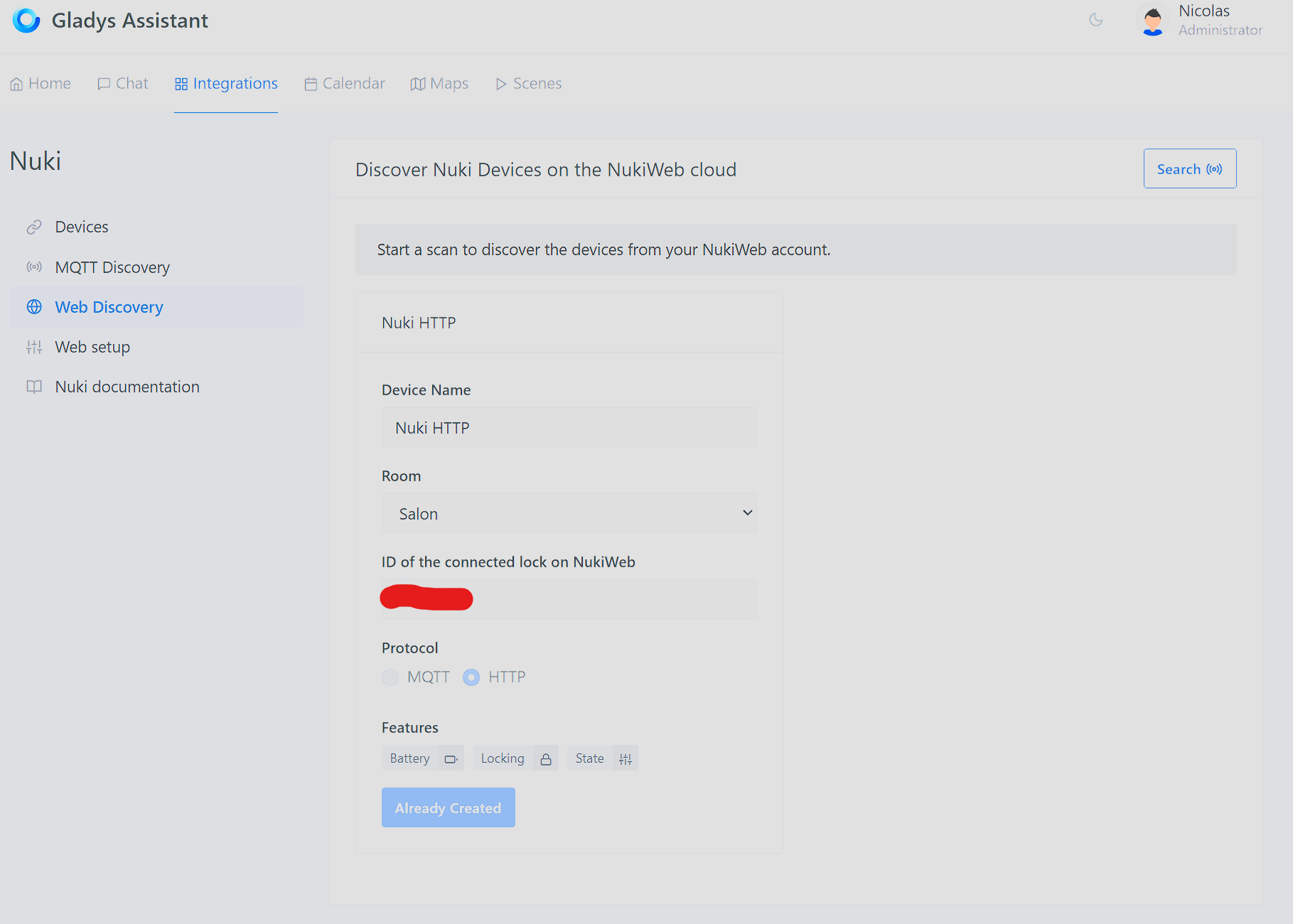
Perform an HTTP scan
MQTT
Prerequisite: Gladys MQTT is configured and functional
-
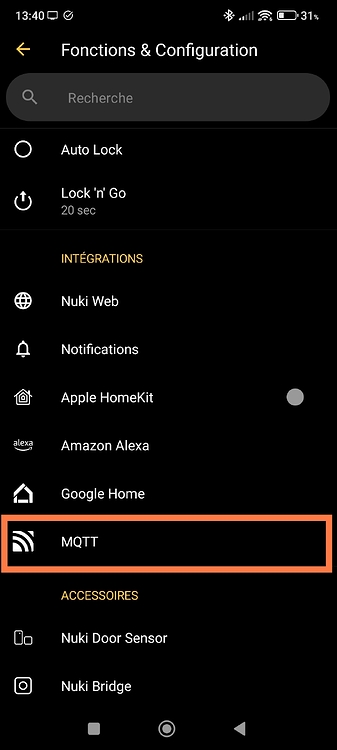
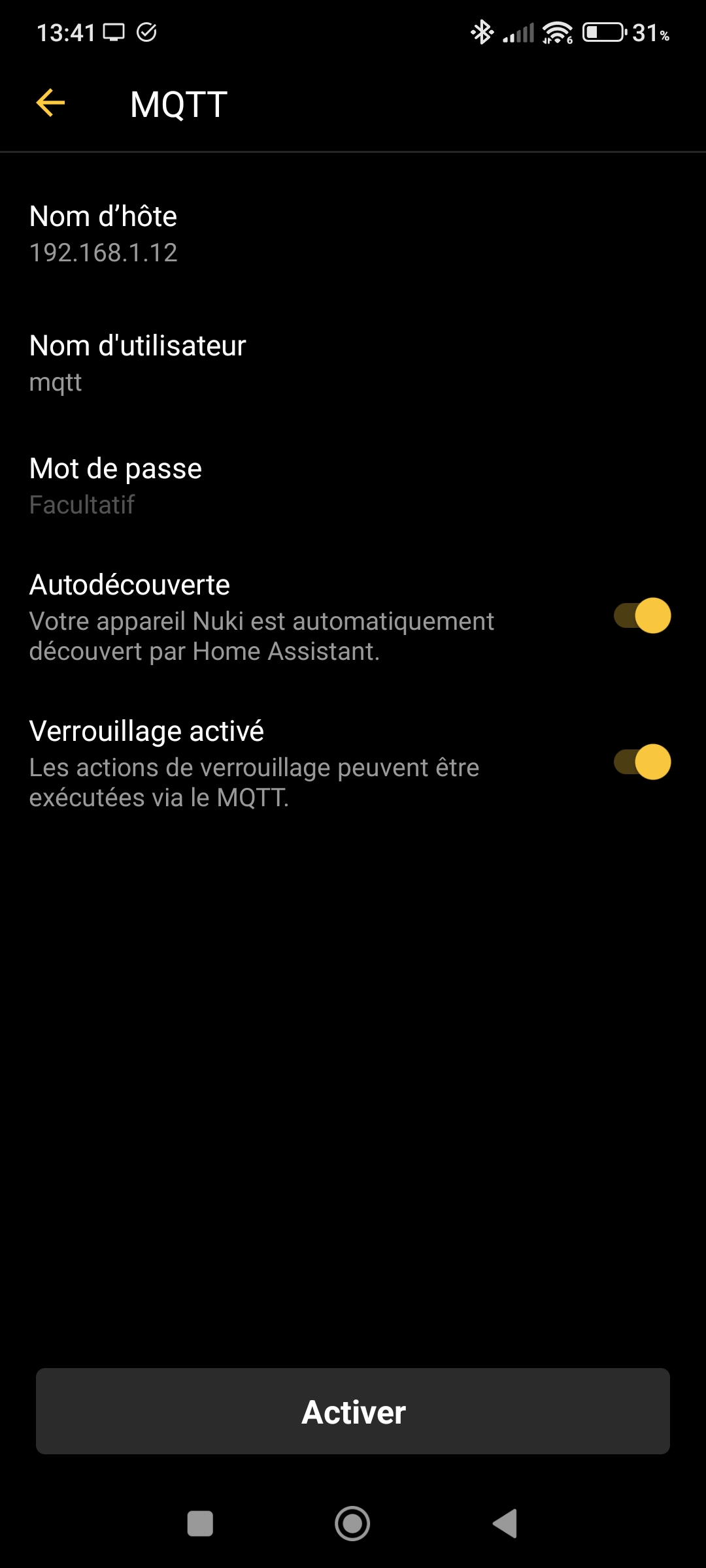
Configure MQTT in the Nuki app (use the local MQTT IP, not the domain name) Nuki MQTT Configuration
-
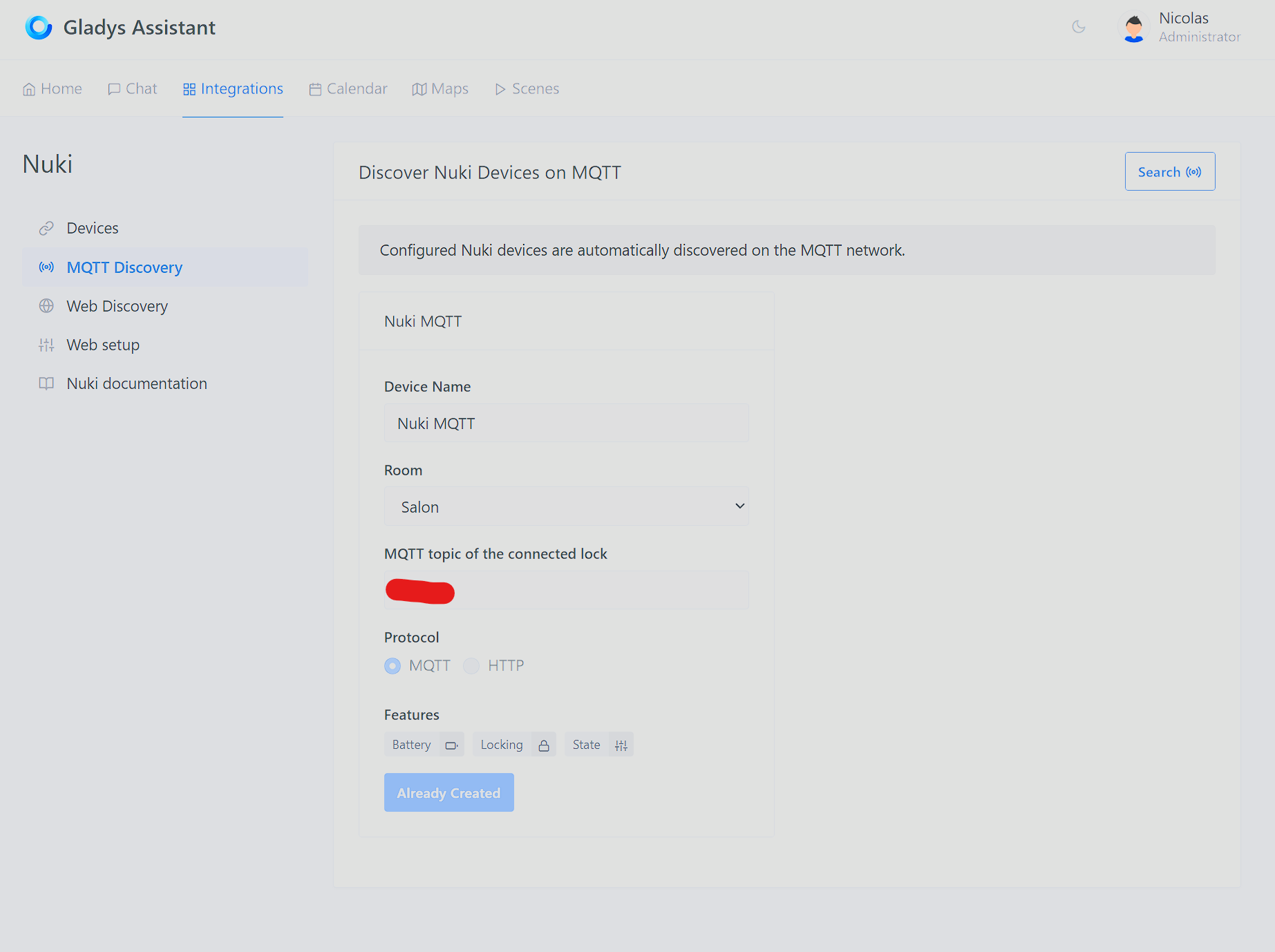
Go directly to the Nuki MQTT discovery section in Gladys to see your devices
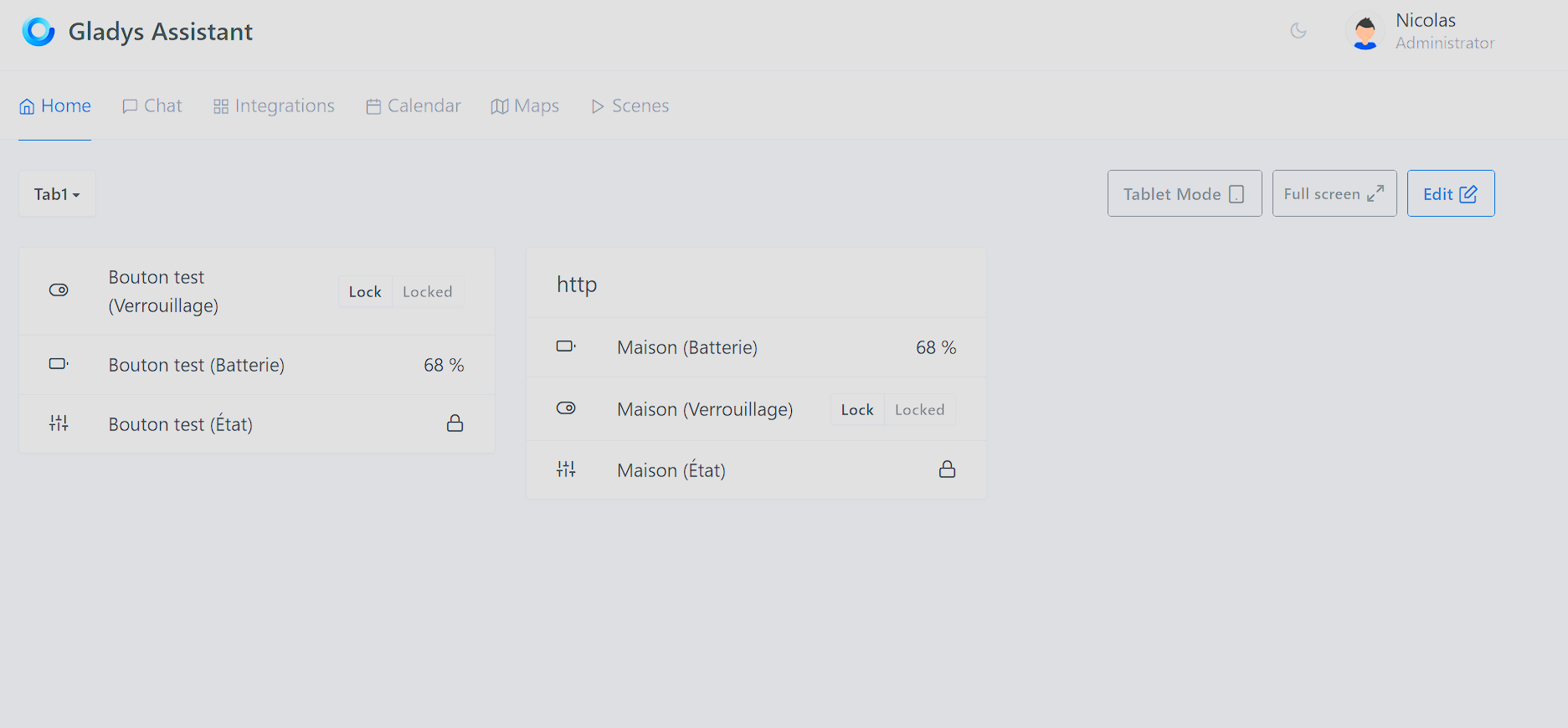
Now you just have to configure the dashboard: