Matterbridge
To add a device or a service that has no native integration, external integrations are the recommended path: you install them in one click from Gladys, and anyone can create one.
Most of the devices Matterbridge used to be recommended for now have an external integration that talks to them directly, without a Matter bridge in between: Overkiz for Somfy TaHoma, TaHoma Switch and Connexoon, Shelly for Shelly devices. Start by browsing the catalog: Matterbridge is the fallback when nothing there covers your device.
Matterbridge is a Matter bridge that allows you to connect non-Matter devices to a Matter ecosystem. Thanks to its many plugins, Matterbridge can expose devices from various manufacturers to Gladys via the Matter protocol.
Enable Matterbridge
In Gladys, go to Integrations / Matterbridge.
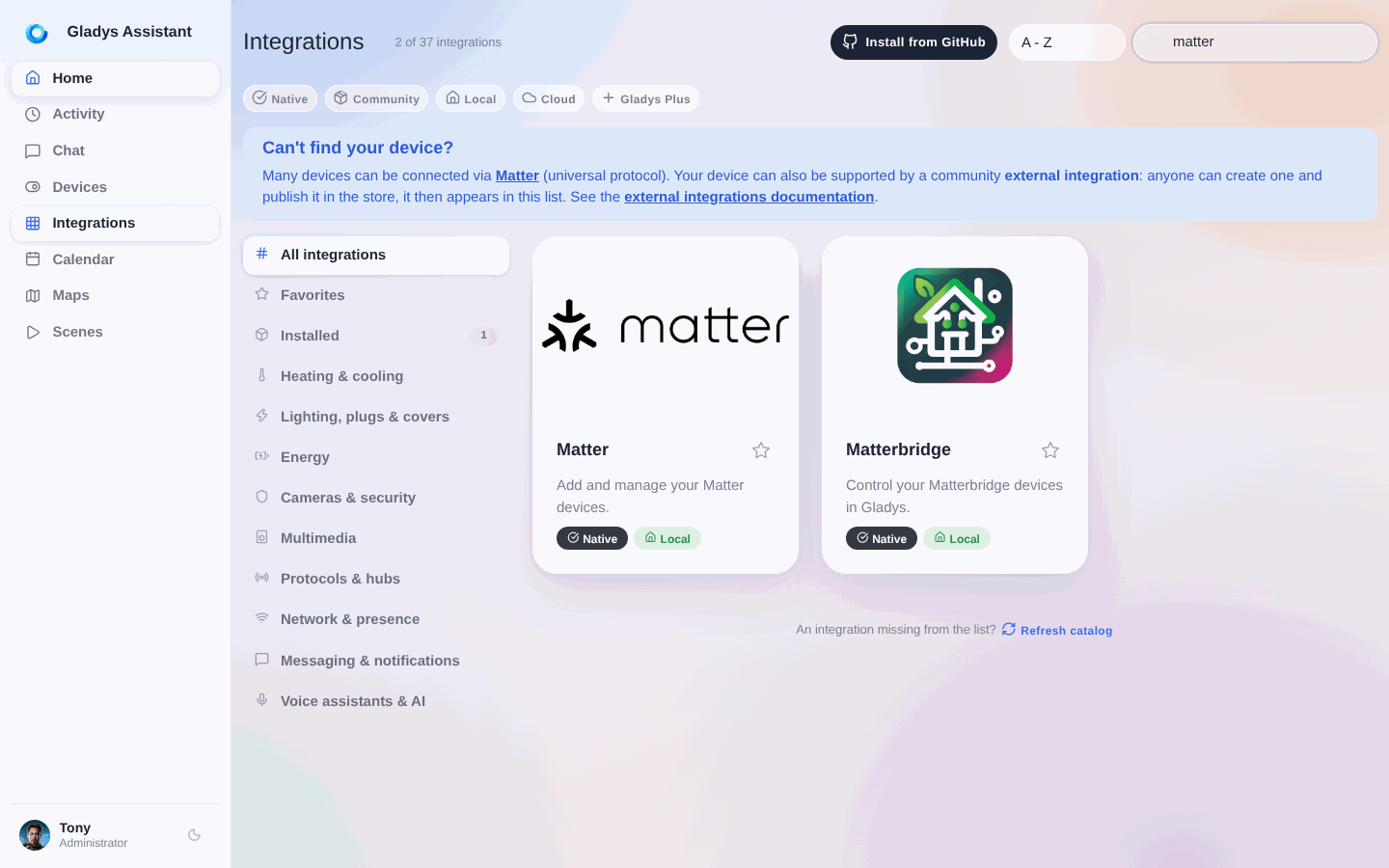
Gladys needs to install a Docker container to run Matterbridge. Don't worry, everything has been automated.
Click the Enable button to start the Matterbridge container.
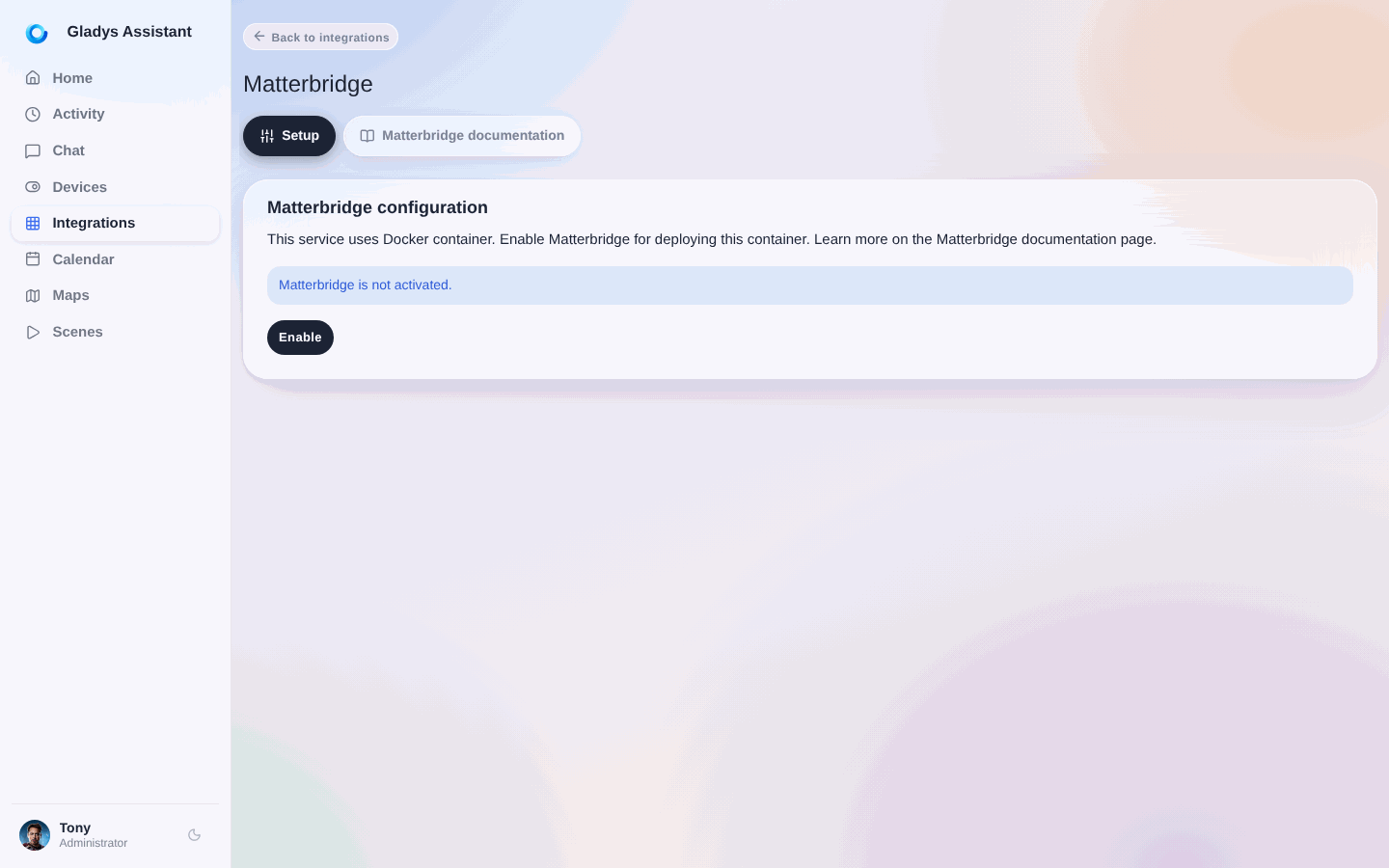
After a few moments (depending on your hardware and bandwidth), Matterbridge will be operational.
Usage
Once Matterbridge is running, you can access its web interface to:
- Install plugins
- Configure your devices
- Get the Matter pairing code
Check the official Matterbridge documentation for more details on plugin configuration and for the list of available plugins.
Once a plugin exposes your devices, pair the bridge in Gladys from the Matter integration: copy the pairing code shown by Matterbridge, and add it in Integrations / Matter.