Flipr smart home integration, free and open source
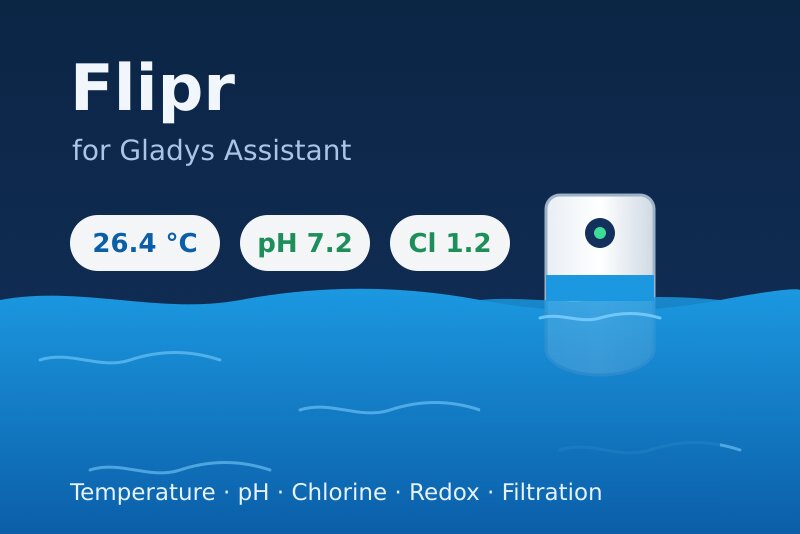
Flipr pool analyzer and Hub: water temperature, pH, chlorine, filtration, scenes, widget.
Published by William-De71
- Devices
- Version 0.2.0
- Requires Gladys >=5.3.0
- ★ 0
Overview
This integration brings your Flipr connected pool analyzer and the Flipr Hub into Gladys:
- a device per analyzer: water temperature, pH, chlorine, redox (ORP), battery, and the pH and chlorine ratings Flipr gives (too low, slightly low, ideal, slightly high, too high);
- a device per Hub: filtration on/off and filtration mode (automatic, manual, schedule), both controllable from Gladys;
- scene triggers (new measure, water rating changed, no measure for 24 hours, filtration switched by the Hub) and scene actions (read the latest measure, change the filtration mode);
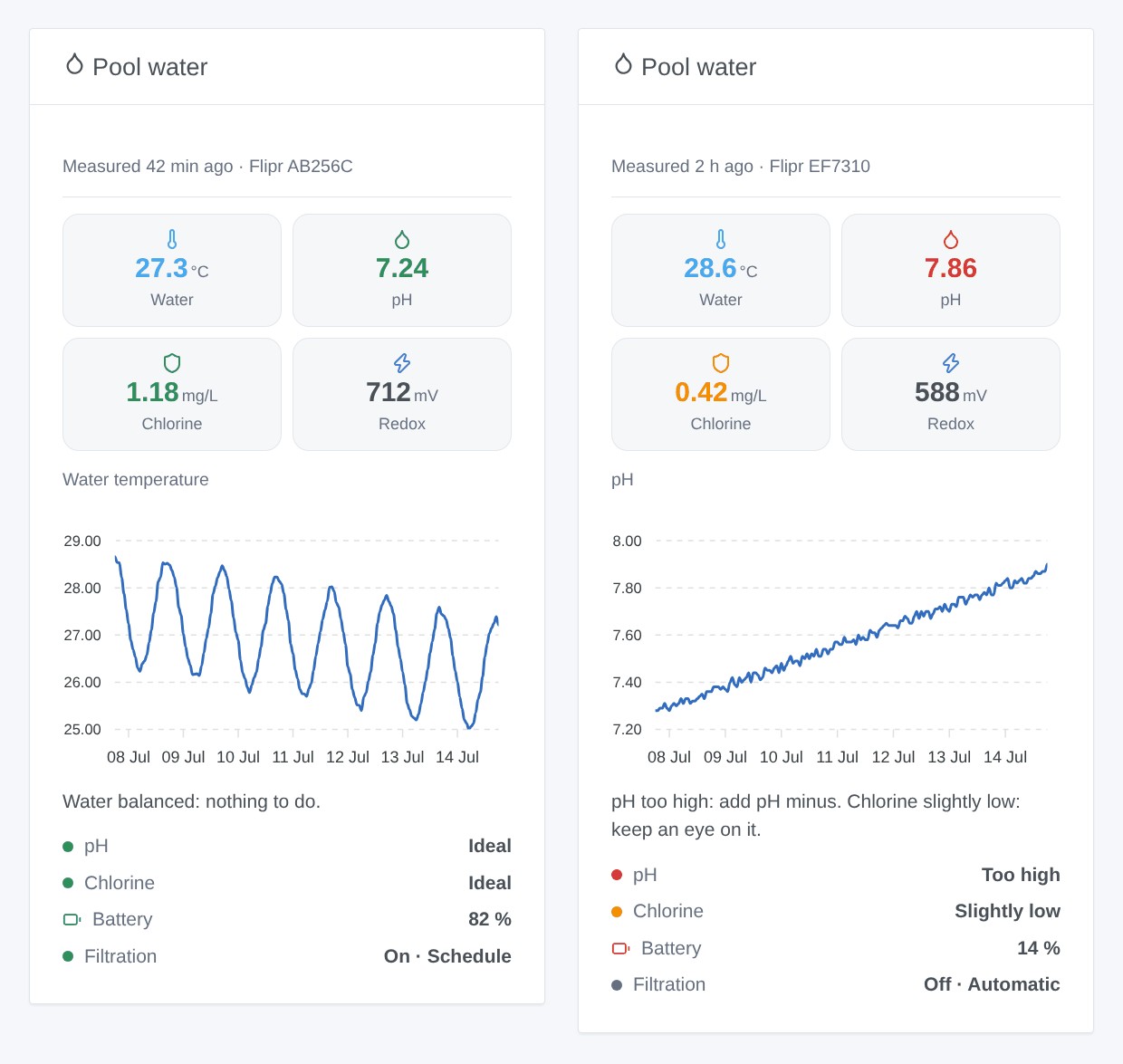
- a "Pool water" dashboard widget.
Flipr has no local API: the analyzer sends its measures to the Flipr cloud about once an hour, and the integration reads them there with your Flipr account (cloud transport). Your e-mail and password only go to the Flipr cloud, as with the Flipr app.
Requirements
- Gladys Assistant 5.3.0 or later.
- A Flipr analyzer (Start, AnalysR…) already working in the Flipr mobile app, and optionally a Flipr Hub.
- The e-mail and the password of your Flipr account.
Configuration
- Integrations → Flipr → Configuration.
- Fill in the fields, then save.
| Field | Description |
|---|---|
| The e-mail of your Flipr account. | |
| Password | Its password, stored as a secret and never shown again. |
| Reading interval (min) | 5 to 60 minutes, 15 by default. The analyzer measures about once an hour: no need to go faster. |
| Language of the texts | Feature names, ratings and scene summaries. Automatic: the language of your dashboard. |
Test the connection signs in to Flipr and tells how many analyzers and Hubs the account has.
Usage
Devices
Devices → Flipr → Discover, then add the analyzer ("Flipr AB256C") and the Hub ("Flipr Hub CD256C"). Their values appear on the next reading.
| Device | Features |
|---|---|
| Analyzer | Water temperature, pH, chlorine (mg/L), redox (mV), battery, pH and chlorine status |
| Flipr Hub | Filtration (on/off), filtration mode (automatic, manual, schedule) |
Switching the filtration on or off puts the Hub in manual mode, as the Flipr app does. Choose "Automatic" or "Schedule" again to give control back to the Hub.
Scenes
Triggers:
- Flipr: new measure: each new measure, with all its values as variables.
- Flipr: water rating changed: the pH or the chlorine moved to another rating. Filter on the parameter and on the new rating ("Too low" and "Too high" for an alert).
- Flipr: no measure for 24 hours: flat battery, winter mode, network. Fired once.
- Flipr Hub: filtration switched: the Hub started or stopped the pump by itself (schedule, automatic mode, Flipr app). Not fired by the commands sent from Gladys.
Actions:
- Flipr: read the latest measure: temperature, pH, chlorine, redox, battery, ratings and a ready-made sentence.
- Flipr Hub: change the filtration mode: automatic, manual or schedule.
Examples:
- When the water rating changes to "Too low" or "Too high" → send a message with
{{triggerEvent.data.summary}}. - When there is no measure for 24 hours → remind me to check the Flipr.
- Every evening at 8 pm → read the latest measure, then send its summary.
Widget
Dashboard → Edit → add Pool water. Choose the analyzer, the Hub, the chart (temperature, pH, chlorine, redox or none) and its period. The chart shows the history Gladys keeps: it appears once the analyzer device is added.
Troubleshooting
- "Flipr refused the e-mail or the password": check them in the Flipr app, then in the configuration.
- No device in Discover: the account has no analyzer nor Hub, or Flipr has not been read yet: use "Test the connection".
- "No measure yet": the Flipr is in winter mode or not calibrated; it measures again once back in the water and calibrated in the Flipr app.
- Values a little late: Flipr measures about once an hour, and the integration reads the cloud every 15 minutes by default.
- "The Flipr cloud does not answer" or "Flipr limits the requests": the integration tries again at the next reading. The company behind Flipr was liquidated in 2025 and the service has been running again since 2026: if the problem lasts, check that the Flipr app still works.
- Logs: add the environment variable
DEBUG=gladys-integration-sdk, then open an issue on GitHub with the Gladys and integration versions and the logs (the password never appears in them).
The API used is the one of the Flipr app: Flipr publishes no official documentation of it, and it may change without notice.
Configuration settings
These are the settings Flipr asks for in its configuration screen in Gladys.
| Setting | Type | Required | Description |
|---|---|---|---|
| Flipr account | section | No | Enter the e-mail and the password you use in the Flipr app. The integration reads your measures from the Flipr cloud, like the app does: no data goes elsewhere. |
string | Yes | ||
| Password | secret | Yes | |
| Options | section | No | A Flipr analyzer sends a measure about once an hour. Each reading costs one request per module to the Flipr cloud: there is no point reading it every few minutes. |
| Reading interval (min) | number | No | 5 to 60 minutes, 15 by default. |
| Language of the texts | select | No | Feature names, filtration modes, water ratings and scene summaries. Automatic: the language of your dashboard, once the Flipr widget has been displayed. |
How to install Flipr in Gladys
- In Gladys, open Integrations: Flipr appears in the catalog, next to the native integrations, with a community badge.
- Click Install. Gladys pulls the Docker image (
ghcr.io/william-de71/gladys-flipr:0.2.0), starts it in a sandbox isolated from the core, and generates the integration's interface (devices, discovery and configuration). - Open the Configuration screen of the integration, fill in the settings, and save.
- You can also install it directly from its repository URL: https://github.com/William-De71/gladys-flipr.
Flipr requires Gladys >=5.3.0. The catalog inside Gladys refreshes every hour, so a new version becomes available at most one hour after its release.
Not running Gladys yet? It is free and open source: follow the installation guide to get started.
About external integrations
Flipr is an external integration: a community integration packaged as a Docker container and published on GitHub, that Gladys installs in one click and runs in a sandbox isolated from its core. It is published and maintained by William-De71, not by the Gladys core team.
- Browse all integrations, native and community
- Build and publish your own external integration
- Source code on GitHub — source of this documentation