Dobiss2Gladys smart home integration, free and open source
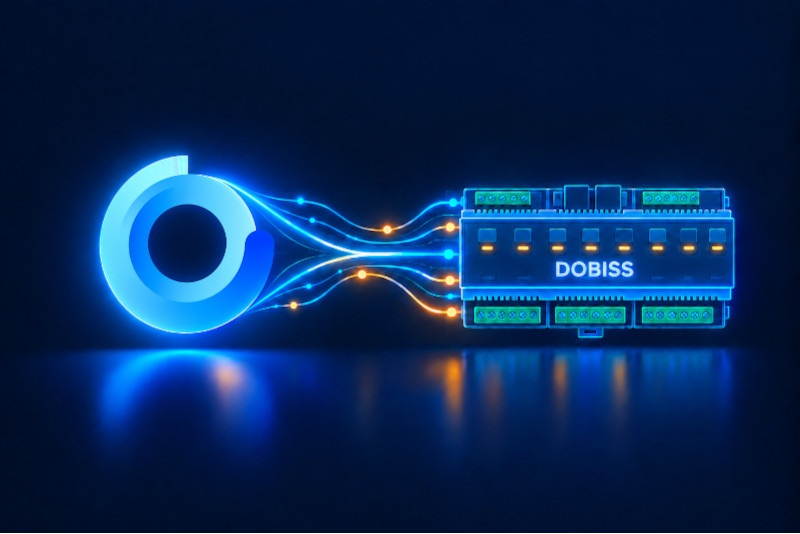
Control your Dobiss home automation system from Gladys Assistant.
Published by Ericboust
- Devices
- Version 1.0.6
- Requires Gladys >=4.86.0
- ★ 0
Dobiss2Gladys is an external integration for Gladys Assistant that allows you to control a Dobiss home automation system from Gladys. It is mainly focused on lighting control, but it can also expose and synchronize other compatible Dobiss electrical circuits available on the controller.
The integration runs as a Docker container and connects to the Dobiss MAX200 controller over the local network using its IP address and port. Once configured in Gladys Assistant, the integration can discover supported devices and make them available in Gladys for control, scenes, dashboards and automations.
To use it, you need a recent version of Gladys Assistant, a reachable Dobiss controller on your LAN, and its network settings. A common example is a controller available at 192.168.1.50 on port 10001. After installation, simply enter the IP address and port in the configuration screen, save, and start discovery if needed.
Dobiss2Gladys is designed to provide a simple and clean bridge between an existing Dobiss installation and Gladys Assistant without modifying Gladys core, using the official packaged external integration mechanism.
Configuration settings
These are the settings Dobiss2Gladys asks for in its configuration screen in Gladys.
| Setting | Type | Required | Description |
|---|---|---|---|
| Getting started | section | No | Enter the IP address and port of your Dobiss MAX200 controller on your local network. |
| Dobiss MAX200 IP address | string | Yes | |
| Port | number | Yes |
How to install Dobiss2Gladys in Gladys
- In Gladys, open Integrations: Dobiss2Gladys appears in the catalog, next to the native integrations, with a community badge.
- Click Install. Gladys pulls the Docker image (
ghcr.io/ericboust/dobiss2gladys:1.0.6), starts it in a sandbox isolated from the core, and generates the integration's interface (devices, discovery and configuration). - Open the Configuration screen of the integration, fill in the settings, and save.
- You can also install it directly from its repository URL: https://github.com/Ericboust/Dobiss2Gladys.
Dobiss2Gladys requires Gladys >=4.86.0. The catalog inside Gladys refreshes every hour, so a new version becomes available at most one hour after its release.
Not running Gladys yet? It is free and open source: follow the installation guide to get started.
About external integrations
Dobiss2Gladys is an external integration: a community integration packaged as a Docker container and published on GitHub, that Gladys installs in one click and runs in a sandbox isolated from its core. It is published and maintained by Ericboust, not by the Gladys core team.
- Browse all integrations, native and community
- Build and publish your own external integration
- Source code on GitHub — source of this documentation