Bresser Weather Station smart home integration, free and open source
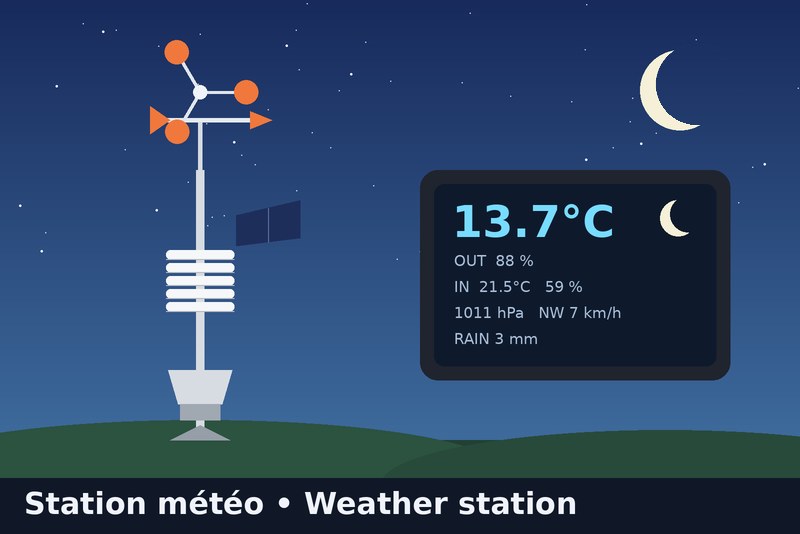
Bresser 7002580 station: Wunderground API or local relay (full data), plus a moon phase widget
Published by Gaetanb76
- Devices
- Version 1.1.6
- Requires Gladys >=5.1.0
- ★ 0

Brings your Bresser 7002580 WiFi colour station (5-in-1) into Gladys Assistant, plus a moon-phase dashboard widget (local astronomical calculation, nothing needed from the station).
The console cannot send its data to a server of your choice: it only uploads to Weather Underground (and Weathercloud). So the integration offers two ways to get the data. Pick one in the integration's Configuration tab ("Data source").
Which mode should I choose?
| A. Wunderground API (simple) | B. Local relay (complete) | |
|---|---|---|
| Installation | none: enter your station ID + a free API key | a small relay on your network (DNS + nginx), on the Gladys machine or a Raspberry Pi |
| Needs Internet / Wunderground | yes | no for Gladys (the upload is copied locally) |
| Update delay | about 5 min (adjustable, minimum 2) | about 12 s |
| Outdoor temperature, humidity, dew point | yes | yes |
| Pressure | yes | yes |
| Wind speed, gust, direction (degrees and N, NE, E… in French initials) | yes | yes |
| Rain (last hour, daily total) | yes | yes |
| Indoor temperature and humidity | no | yes |
| Battery level of the outdoor sensor | no | no |
| Moon-phase widget | yes | yes |
What is NOT available, whatever the mode
- Battery level: the station never sends it (neither to Wunderground nor to Weathercloud).
- Indoor values in mode A: Weather Underground does not publish the console's indoor sensor. The only service that shows them is Weathercloud, which has no read API, so they cannot be fetched directly: use mode B.
- UV, solar radiation: not measured by the 5-in-1 sensor.
Mode A: Wunderground API
- Your station must already upload to Weather Underground (Pro Weather Link page,
http://192.168.1.1when connected to thePWS-xxxxxxWiFi). - On wunderground.com: Member Settings > API Keys to get a free key (it is tied to your account and your personal station).
- In Gladys, Configuration: Data source = Wunderground API, enter the station ID (e.g.
ISAINT1234) and the API key. - Open the Discovery tab and create the "Bresser Weather Station" device (indoor features are not offered in this mode).
Mode B: Local relay
The station believes it talks to Weather Underground. A relay answers in its place, forwards each upload to the real Wunderground and sends a copy to the integration. Your Wunderground page keeps working.
- Choose Data source = Local relay. The Configuration tab then shows the address to use.
- Install the relay (see
relay/README.mdin the repository). Two options:- on the machine that hosts Gladys (Docker Compose, no extra hardware, Linux with Docker);
- on a Raspberry Pi or any always-on Linux box.
- In your router, set the relay machine as DNS server. The Livebox cannot change its DNS: use a second router in router mode behind it (e.g. TP-Link Deco) or set the DNS on each device.
- Open the Discovery tab and create the "Bresser Weather Station" device.
Moon phase widget
The widget shows a picture of today's moon, the phase name, the illumination and the dates of the next full and new moon. Everything is computed locally.
The moon is drawn as seen from your Gladys house: lit on the right while waxing in the northern hemisphere, upside down in the southern hemisphere. For this the integration asks Gladys for the house latitude ("location" authorization shown at install); the coordinates are neither stored nor displayed. If Gladys holds several houses, enter the one to use in Gladys house for the moon widget; leave it empty for the first located house. Without a located house, the moon is drawn as seen from the northern hemisphere.
Troubleshooting
- After an integration update, a feature is missing or has no icon: open the Discovery tab and click Update on the station.
- No data in mode A: check the station ID and API key, and that your station is online on wunderground.com. The log says "refused the API key" for a wrong key.
- No data in mode B: test the relay with the
curlcommand ofrelay/README.md. - Pressure is the value the station sends, converted from inHg to hPa.
- "Rain (last hour)" is the rate value the station sends (
rainin). - Moon phase widget missing: it requires Gladys 5.1.0 or later.
Support
Open an issue on the integration's GitHub repository, or ask on the Gladys Assistant community forum.
Configuration settings
These are the settings Bresser Weather Station asks for in its configuration screen in Gladys.
| Setting | Type | Required | Description |
|---|---|---|---|
| Choose how to get your station data | section | No | Wunderground API: nothing to install, outdoor data only (no indoor values). Local relay: complete data (including indoor temperature and humidity) but needs a small relay on your network (see the integration docs). If you pick the relay, send a copy of the station uploads to http://{{gladys_host}}:{{port:wunderground}}/weatherstation/updateweatherstation.php |
| Data source | select | No | |
| Wunderground station ID (API mode) | string | No | |
| Wunderground API key (API mode) | secret | No | Free: wunderground.com > Member Settings > API Keys. |
| Update interval in minutes (API mode) | number | No | |
| Gladys house for the moon widget | string | No | Name of the Gladys house the moon is seen from: its latitude decides whether the moon is drawn as seen from the northern or southern hemisphere. Leave it empty to use the first house that has a location. The coordinates stay in the integration and are shown nowhere. |
How to install Bresser Weather Station in Gladys
- In Gladys, open Integrations: Bresser Weather Station appears in the catalog, next to the native integrations, with a community badge.
- Click Install. Gladys pulls the Docker image (
ghcr.io/gaetanb76/gladys-bresser-weather-station:1.1.6), starts it in a sandbox isolated from the core, and generates the integration's interface (devices, discovery and configuration). - Open the Configuration screen of the integration, fill in the settings, and save.
- You can also install it directly from its repository URL: https://github.com/Gaetanb76/gladys-bresser-weather-station.
Bresser Weather Station requires Gladys >=5.1.0. The catalog inside Gladys refreshes every hour, so a new version becomes available at most one hour after its release.
Not running Gladys yet? It is free and open source: follow the installation guide to get started.
About external integrations
Bresser Weather Station is an external integration: a community integration packaged as a Docker container and published on GitHub, that Gladys installs in one click and runs in a sandbox isolated from its core. It is published and maintained by Gaetanb76, not by the Gladys core team.
- Browse all integrations, native and community
- Build and publish your own external integration
- Source code on GitHub — source of this documentation