Growing every day, built with the community
611 integrations, and counting
The open protocols built into Gladys (Zigbee, Matter, MQTT…) and a catalog of community integrations that grows every day. Each one installs in one click and runs in its own sandbox, on your hardware.
 LuckyS7evin
 stefanbauer
Browse the integrations
611 integrations
 New
NewAccuWeather
AccuWeather forecasts, alerts, scene triggers and dashboard widgets for Gladys.

 New
NewActual Budget
Account balances and envelopes of the month of your Actual Budget in Gladys.

AdGuard Home
Control AdGuard Home DNS protection and follow its blocking statistics in Gladys.

 New
NewAEMET
Official weather for Spain (AEMET): forecasts, nearby station, Meteoalerta warnings by town.
 New
NewAfvalbeheer - Collecte déchets
Waste collection days in the Netherlands and Belgium (Recycle!, Tibi, Ipalle, Ximmio, HVC...)

 New
NewAgent DVR
Agent DVR cameras: images, motion, alerts, recording, arm and disarm, from your own server.
 New
NewAgur
Follow your Agur water meter: index, consumption, invoices and amount due.
 New
NewAircraft overhead
Unofficial connector: aircraft flying over your home, closest flight, altitude and heading.

 New
NewAirGradient
AirGradient air quality monitors on the local network: CO₂, PM2.5, VOC, temperature, humidity.
 New
NewAirNow
U.S. air quality from AirNow (EPA): AQI now, forecast and alerts for your places.

AirPlay
Make Gladys speak and play sounds on your AirPlay speakers and HomePods.

 New
NewAirthings
Radon, CO₂, VOC, particles, temperature and humidity of your Airthings sensors.
 New
NewAirVisual
Unofficial connector: IQAir AirVisual air quality and your AirVisual Pro monitors.
Airzone Cloud
Control your Airzone ducted air conditioning zones through the Airzone Cloud service.

 New
NewAjax Systems (SIA DC-09)
Ajax Systems alarms, locally over SIA DC-09: arming state, alarms, faults, scenes.
AlloCiné
Movies currently playing at any French cinema (chain or independent).

 Gladys Plus
Amazon Alexa
Control your Gladys devices by voice with Alexa.
 New
NewAmbient Weather
Unofficial connector: your Ambient Weather stations and public ones nearby.
 New
NewAmcrest / Dahua
Amcrest and Dahua cameras, doorbells and NVRs: images, instant detections, PTZ.
 New
NewAndroid TV / Fire TV (ADB)
Control Android TV, Google TV, Shield and Fire TV over network ADB: power, apps, playback, keys.
 New
NewAndroid TV Remote
Gladys Assistant integration for Android TV and Google TV using Remote v2 protocol.
 New
NewAnker SOLIX
Anker SOLIX Solarbank, smart meter and smart plugs in Gladys, through the Anker cloud.
 New
NewAnniversaries
Countdowns to birthdays and important dates: days left, years, scenes, widgets.
 New
NewAPC UPS Daemon
APC UPSs monitored by apcupsd: power outages, battery, runtime, load, power and energy.
Apple Device Tracker
Track your Apple devices with Find My and use them as presence sensors in Gladys.
Apple HomeKit
Bring your devices into the Apple Home app and control them with Siri.

Apple TV
Control your Apple TV: power, remote, playback, volume and applications.

 New
NewApprise
Gladys messages and scene notifications to 100+ services through your Apprise API.
 New
NewAPsystems EZ1 & ECU
Unofficial connector: APsystems EZ1 micro-inverters and ECU gateways, live solar production.
 New
NewAriston NET
Ariston, Chaffoteaux and Elco boilers, heat pumps and water heaters via the Ariston NET cloud.
 Gladys Plus
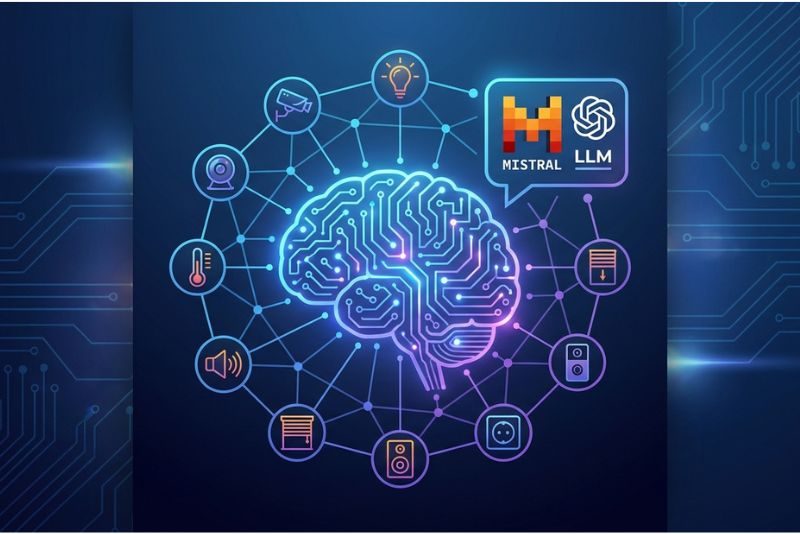
Artificial Intelligence
Talk to your home in plain language, with AI models hosted in France.

Astronomie
Eclipses, planets, meteor showers, observing nights, seasons and aurora forecasts for your home.
 New
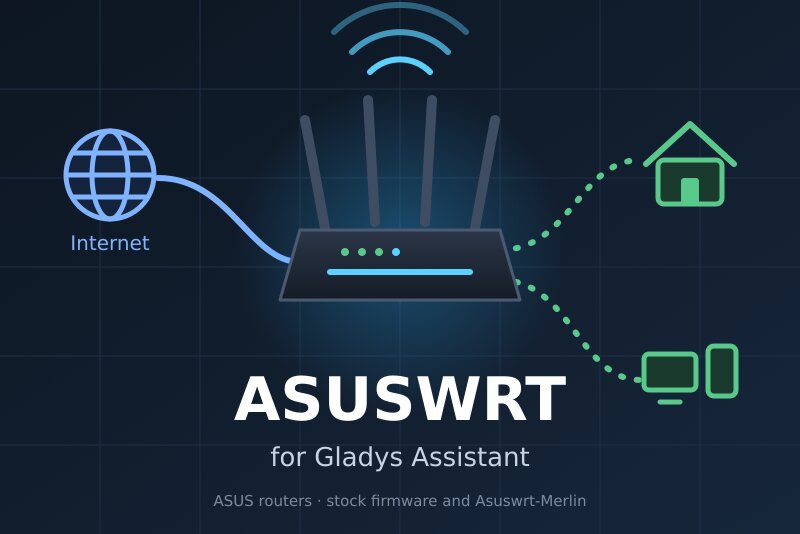
NewASUSWRT
ASUS routers: health, internet link, Wi-Fi radios, network presence, scenes.
 New
NewAtmo France
French air quality index (ATMO) per commune: forecast, pollution episodes and pollen.
 New
NewAudiobookshelf
Follow who listens to what on your Audiobookshelf server and react to it in your scenes.
 New
NewAugust / Yale
August and Yale smart locks and video doorbells, through the August / Yale cloud.
 New
NewAwair
Awair air quality monitors over their Local API: score, CO2, VOC, PM2.5, temperature, humidity.
 New
NewAWTRIX 3
AWTRIX 3 pixel clocks (Ulanzi TC001): notifications, Gladys values on screen, sensors.
 New
NewAxis
Axis cameras, door stations and speakers, locally: images, detections, rings, clips.
 New
NewBaby Buddy
Baby Buddy baby care log: feedings, diapers and sleep in Gladys, logged from a button.
 New
NewBambu Lab
Follow and control your Bambu Lab 3D printers locally: progress, temperatures, AMS, alerts.
 New
NewBbox
Bouygues Telecom Bbox status: line, Internet, Wi-Fi, connected devices and missed calls.
 New
NewBeatbot
Control your Beatbot pool robots: status, battery, cleaning and alerts.
 New
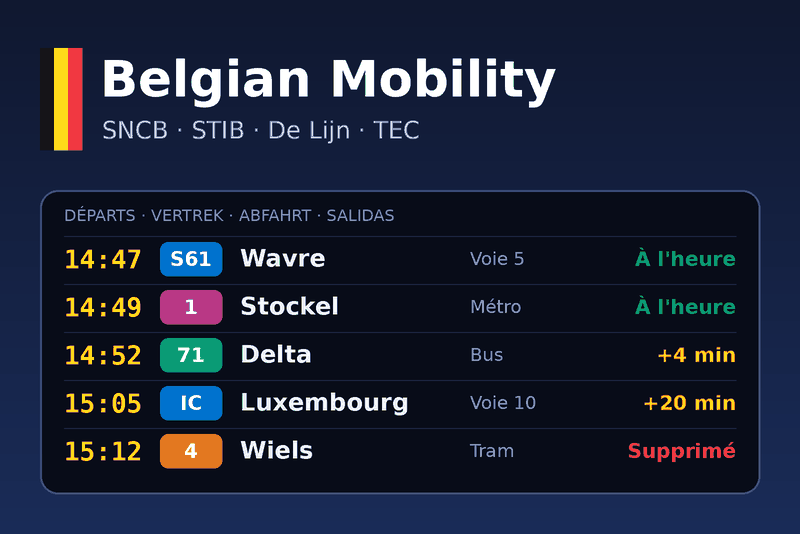
NewBelgian Mobility
Live departures, delays and disruptions of Belgian public transport: SNCB, STIB, De Lijn, TEC.
 New
NewBeszel
Your Beszel systems in Gladys: online, CPU, memory, disk, temperature and alerts.
 New
NewBig Ass Fans
Big Ass Fans ceiling fans (Haiku, i6, es6) on the local network: speed, whoosh, light, sensors.
 New
NewBison Futé
French road events near you (closures, accidents, jams) and Bison Futé traffic forecasts.
 New
NewBlink
Blink cameras and doorbells: arming, last images, motion and doorbell in your scenes.
The people behind the integrations
Every community integration is written, published and maintained by a Gladys user. Pick someone to see what they built.
Your device is missing? Build its integration
A community integration is a small Docker container published on GitHub: any language, no pull request, no review. It shows up in every Gladys within the hour.
Community catalog as of October 19, 2026. The catalog inside Gladys refreshes every hour.
How integrations work
Gladys Assistant is an open-source project, developed by a community of home automation enthusiasts, with one goal: a smart home that is simple, local and respectful of your privacy. Connecting a device should not depend on a closed cloud or on a single manufacturer. That is why integrations come in two flavors, side by side in the catalog above and in the Integrations screen of Gladys:
- Native integrations ship with Gladys. They cover the open protocols we recommend for any new installation: Zigbee2MQTT for thousands of Zigbee devices without any vendor hub, Matter, the industry standard, 100% local, and MQTT, the universal glue of DIY projects.
- Community integrations cover everything else. Each one is a small program packaged as a Docker container and published on GitHub by a Gladys user. Gladys runs it in a sandbox isolated from its core and talks to it through a dedicated API, so anyone can publish one, in any language, without review, while your instance stays safe.
Install an integration
In Gladys, open Integrations: native and community integrations are listed together, by category. For a community integration, click Install: Gladys pulls the Docker image, starts the container and generates its interface (devices, discovery and configuration). You can also install one directly from its GitHub repository URL.
The catalog inside Gladys refreshes every hour, so a newly published integration shows up at most one hour after its release.
Your device is not covered?
- Ask on the forum: another user may already be working on it.
- Build it yourself: community integrations are the simplest way to create and publish an integration, with no pull request and no validation. Follow the developer guide.
- For custom or experimental setups, Node-RED and MQTT let you wire almost anything to Gladys.
The full source code of Gladys is available on GitHub.