Dobiss2Gladys Smart-Home-Integration, kostenlos und Open Source
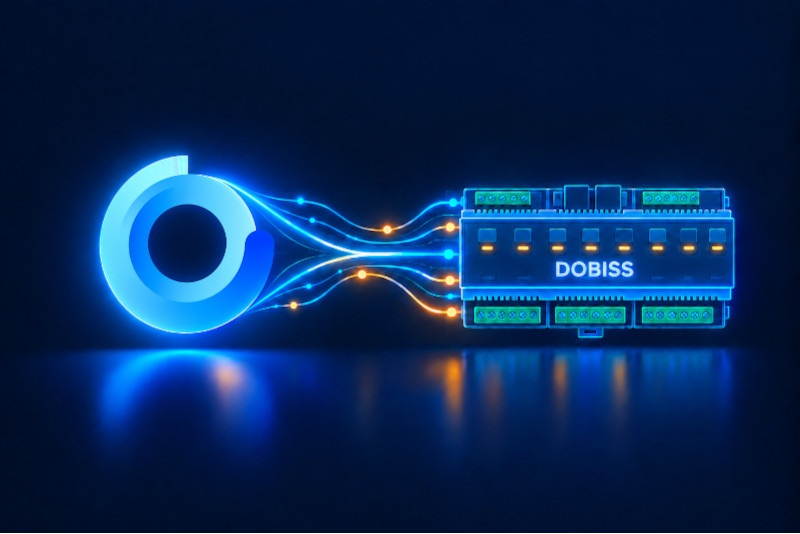
Control your Dobiss home automation system from Gladys Assistant.
Veröffentlicht von Ericboust
- Geräte
- Version 1.0.6
- Erfordert Gladys >=4.86.0
- ★ 0
Die Dokumentation dieser Integration wird von ihrem Autor geschrieben und ist bisher nur auf Englisch verfügbar.
Dobiss2Gladys is an external integration for Gladys Assistant that allows you to control a Dobiss home automation system from Gladys. It is mainly focused on lighting control, but it can also expose and synchronize other compatible Dobiss electrical circuits available on the controller.
The integration runs as a Docker container and connects to the Dobiss MAX200 controller over the local network using its IP address and port. Once configured in Gladys Assistant, the integration can discover supported devices and make them available in Gladys for control, scenes, dashboards and automations.
To use it, you need a recent version of Gladys Assistant, a reachable Dobiss controller on your LAN, and its network settings. A common example is a controller available at 192.168.1.50 on port 10001. After installation, simply enter the IP address and port in the configuration screen, save, and start discovery if needed.
Dobiss2Gladys is designed to provide a simple and clean bridge between an existing Dobiss installation and Gladys Assistant without modifying Gladys core, using the official packaged external integration mechanism.
Konfigurationseinstellungen
Diese Einstellungen fragt Dobiss2Gladys in seinem Konfigurationsbildschirm in Gladys ab.
| Einstellung | Typ | Pflichtfeld | Beschreibung |
|---|---|---|---|
| Getting started | section | Nein | Enter the IP address and port of your Dobiss MAX200 controller on your local network. |
| Dobiss MAX200 IP address | string | Ja | |
| Port | number | Ja |
So installierst du Dobiss2Gladys in Gladys
- Öffne in Gladys Integrationen: Dobiss2Gladys erscheint im Katalog neben den nativen Integrationen, mit einem Community-Badge.
- Klicke auf Installieren. Gladys lädt das Docker-Image (
ghcr.io/ericboust/dobiss2gladys:1.0.6) herunter, startet es in einer vom Kern isolierten Sandbox und erzeugt die Oberfläche der Integration (Geräte, Erkennung und Konfiguration). - Öffne den Bildschirm Konfiguration der Integration, fülle die Einstellungen aus und speichere.
- Du kannst sie auch direkt über die URL ihres Repositorys installieren: https://github.com/Ericboust/Dobiss2Gladys.
Dobiss2Gladys benötigt Gladys >=4.86.0. Der Katalog in Gladys wird stündlich aktualisiert, eine neue Version ist also spätestens eine Stunde nach ihrer Veröffentlichung verfügbar.
Du nutzt Gladys noch nicht? Es ist kostenlos und Open Source: folge der Installationsanleitung, um loszulegen.
Über externe Integrationen
Dobiss2Gladys ist eine externe Integration: eine Community-Integration, die als Docker-Container verpackt und auf GitHub veröffentlicht wird. Gladys installiert sie mit einem Klick und führt sie in einer vom Kern isolierten Sandbox aus. Sie wird von Ericboust veröffentlicht und gepflegt, nicht vom Gladys-Kernteam.
- Alle Integrationen durchsuchen, native und aus der Community
- Deine eigene externe Integration bauen und veröffentlichen
- Quellcode auf GitHub — Quelle dieser Dokumentation