Gladys 4.70: Reset Your Zigbee2mqtt Integration in One Click

Hey everyone,
A new version of Gladys is out, focused on UX and stability improvements for the Zigbee2mqtt and MQTT integrations.
🔧 What's changing in this release
A reset button for Zigbee2mqtt
A new "Reset" button appears in the Zigbee2mqtt integration. It lets users with a corrupted integration, or who simply want to switch dongles, completely reset the integration in a single click.
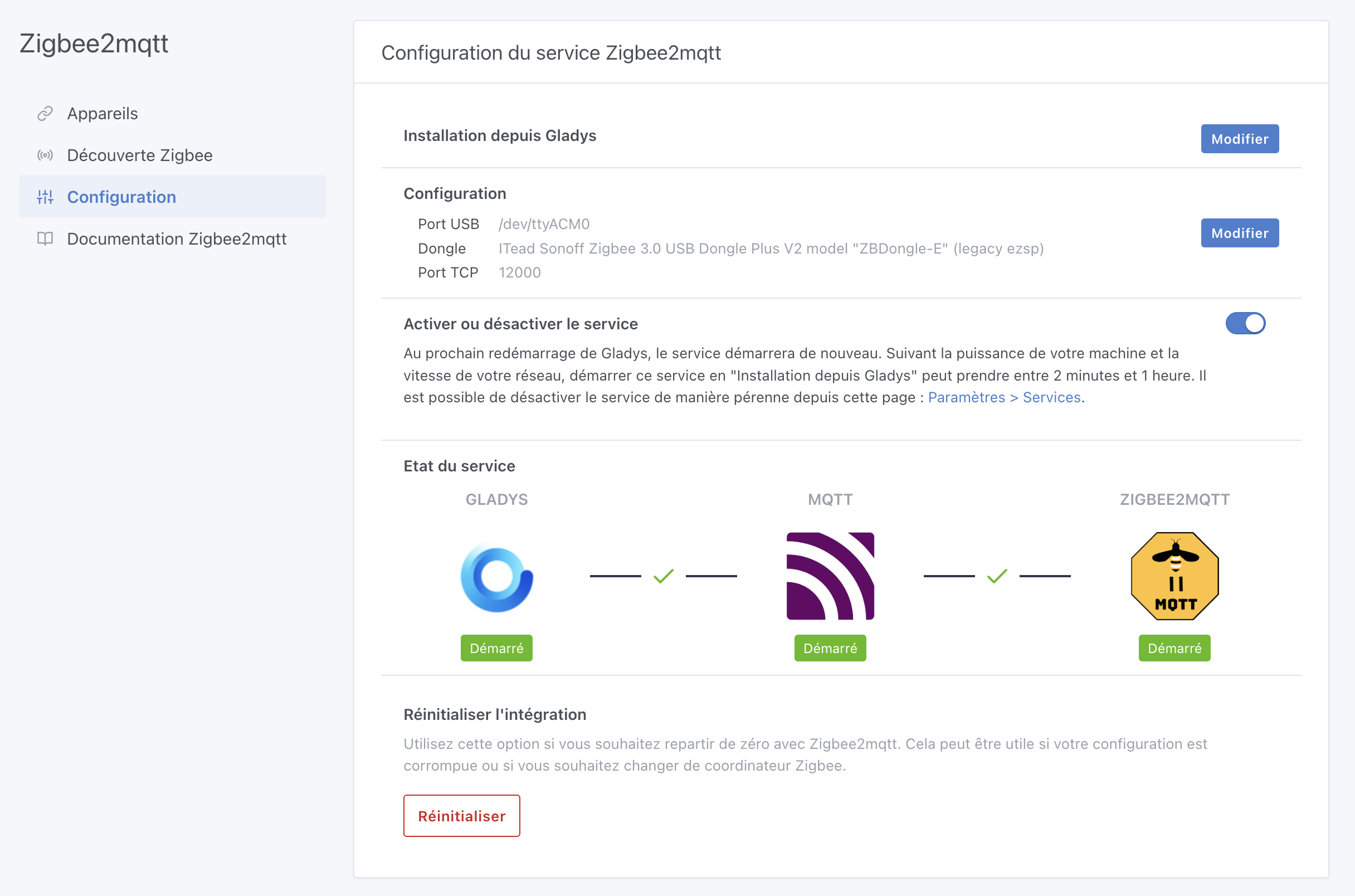
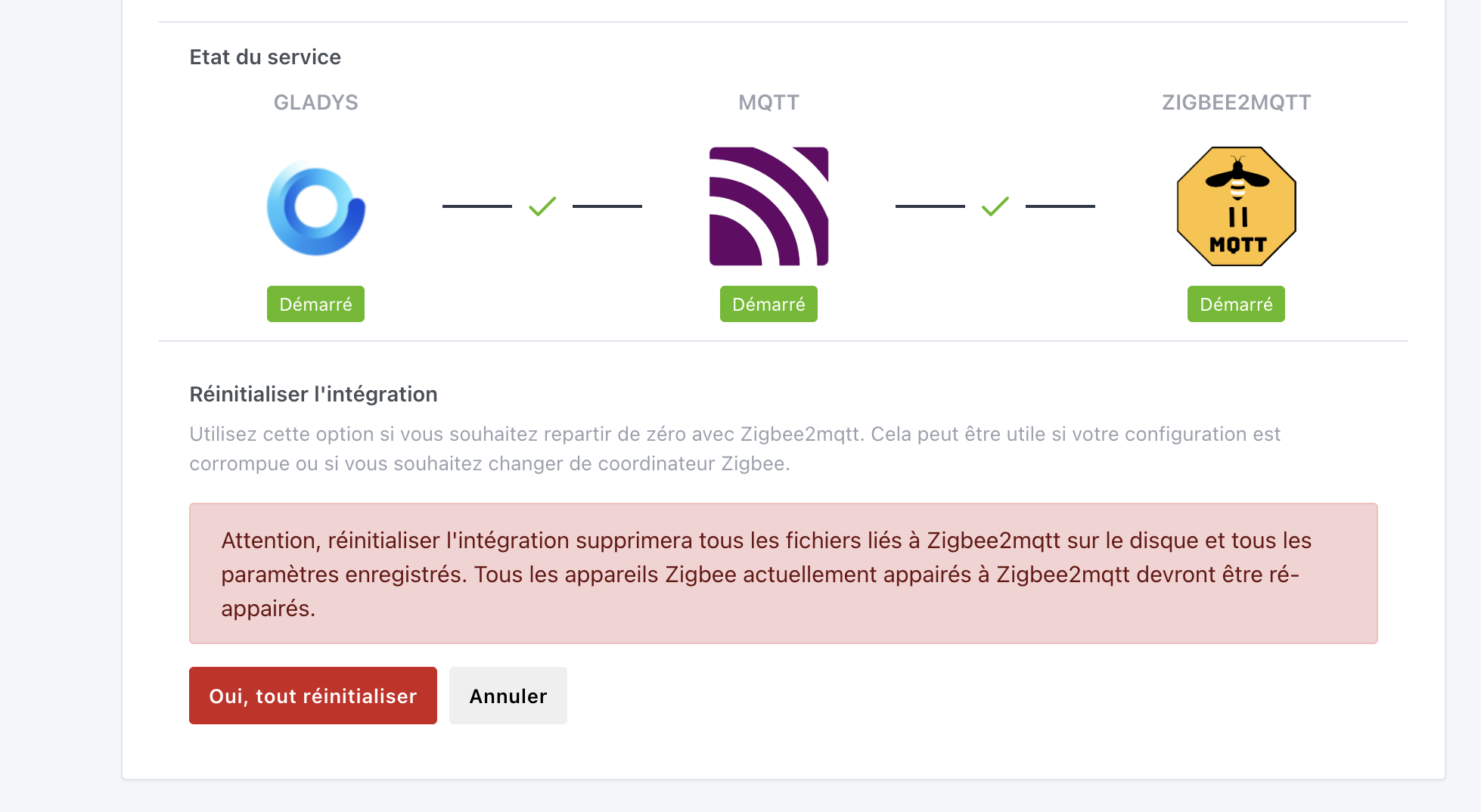
This is the direction I want to take the project: everything should be doable from the interface, without ever touching a command line. As the starter kit becomes more and more popular, it's essential that Gladys stays accessible to everyone, whatever their technical level.
⚠️ Use this button with care: it permanently deletes all Zigbee2mqtt integration data, and if you have paired devices, you'll need to pair them all again!
Zigbee2mqtt updated to 2.9.1
Gladys now ships the latest version of Zigbee2mqtt (2.9.1). See the changelog.
Improved Zigbee2mqtt/MQTT interface
The buttons in the device list have been reworked for a better experience on mobile. Thanks @Will_71 for this contribution!
As usual, the update is automatic within 24 hours. To force it, go to Settings → System.